Getting startedVideo · 35 sec · 4 steps · November 17, 2026
Connect your channels
Pick the channels each brand posts to, connect them with the platform’s own sign-in, or send the client a connect link.
01
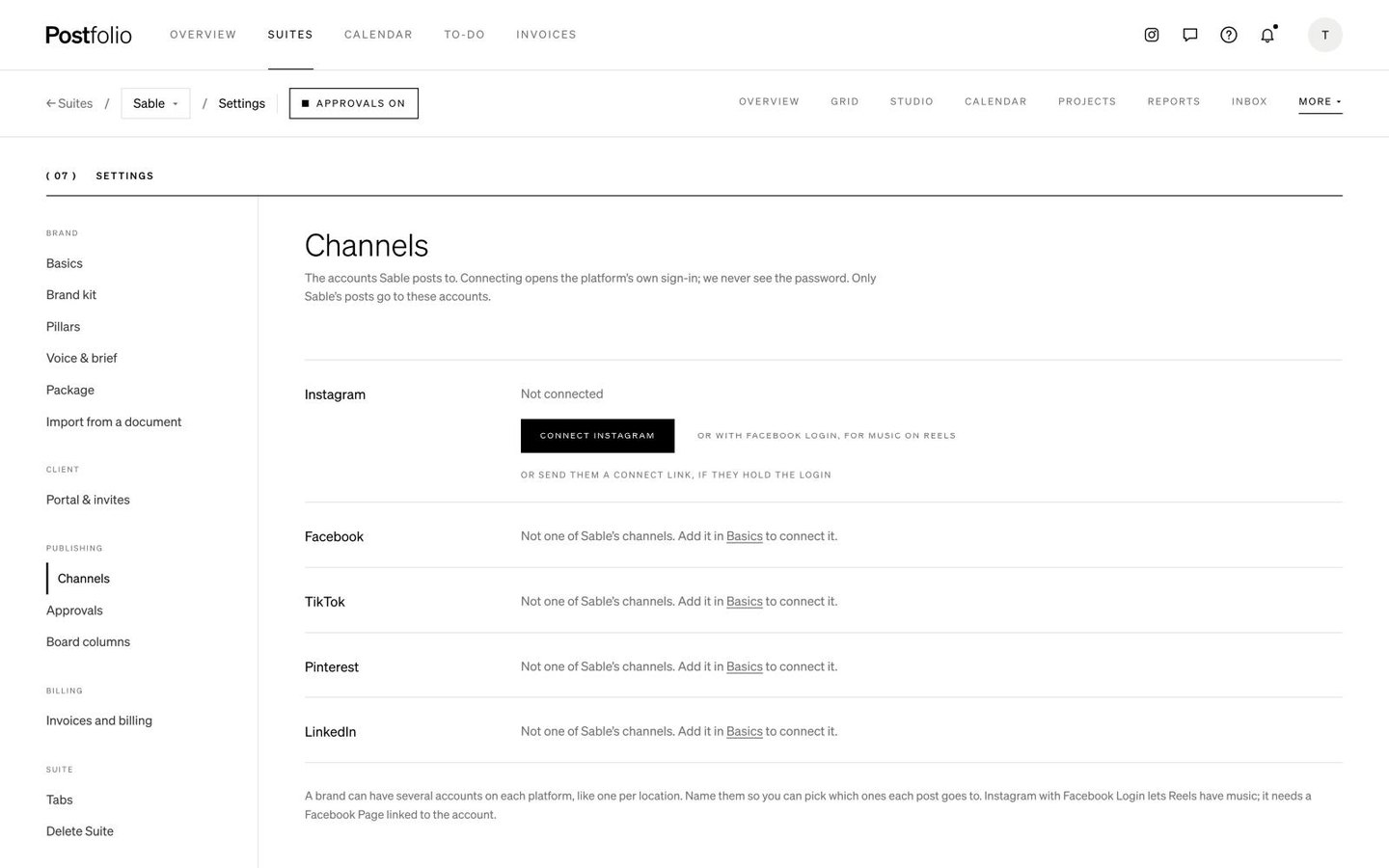
Open Channels
Each brand has its own channels. Open the brand, then More › Settings › Channels.
02
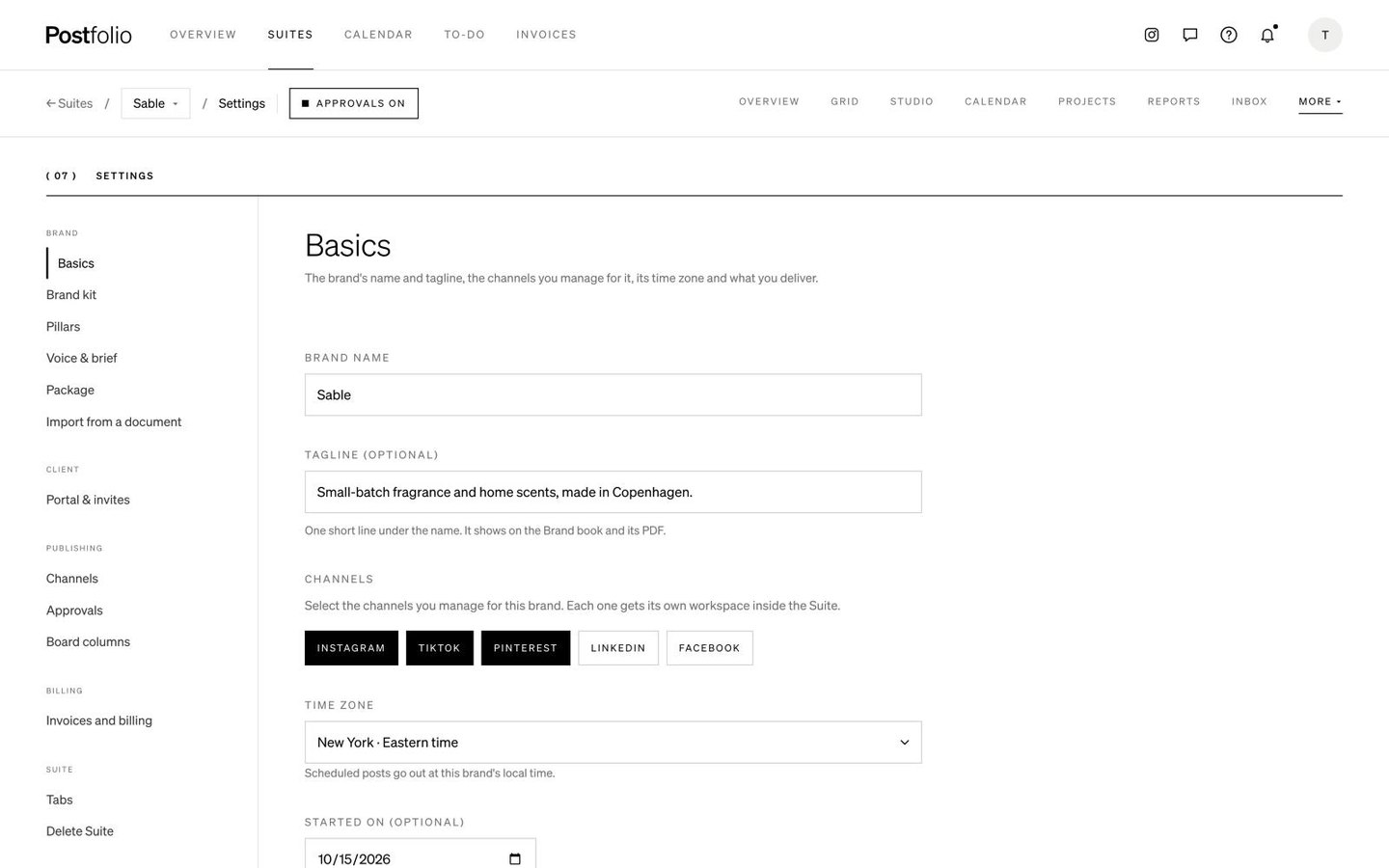
Add a missing channel
In Basics, pick every channel the brand posts to: Instagram, TikTok, Pinterest, LinkedIn or Facebook. Then Save changes.
03
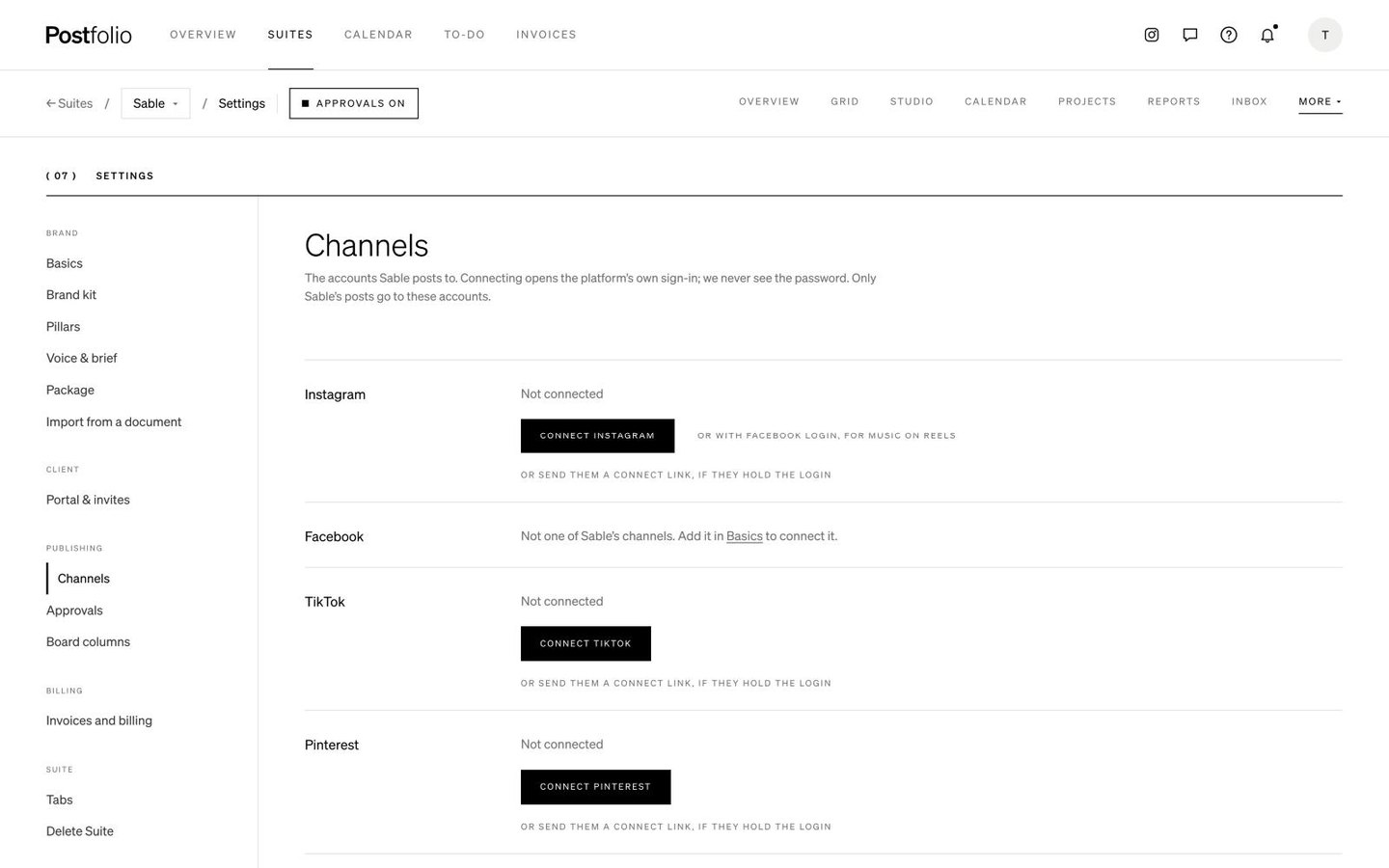
Connect
Press Connect. It opens the platform’s own sign-in, so Postfolio never sees the password.
04
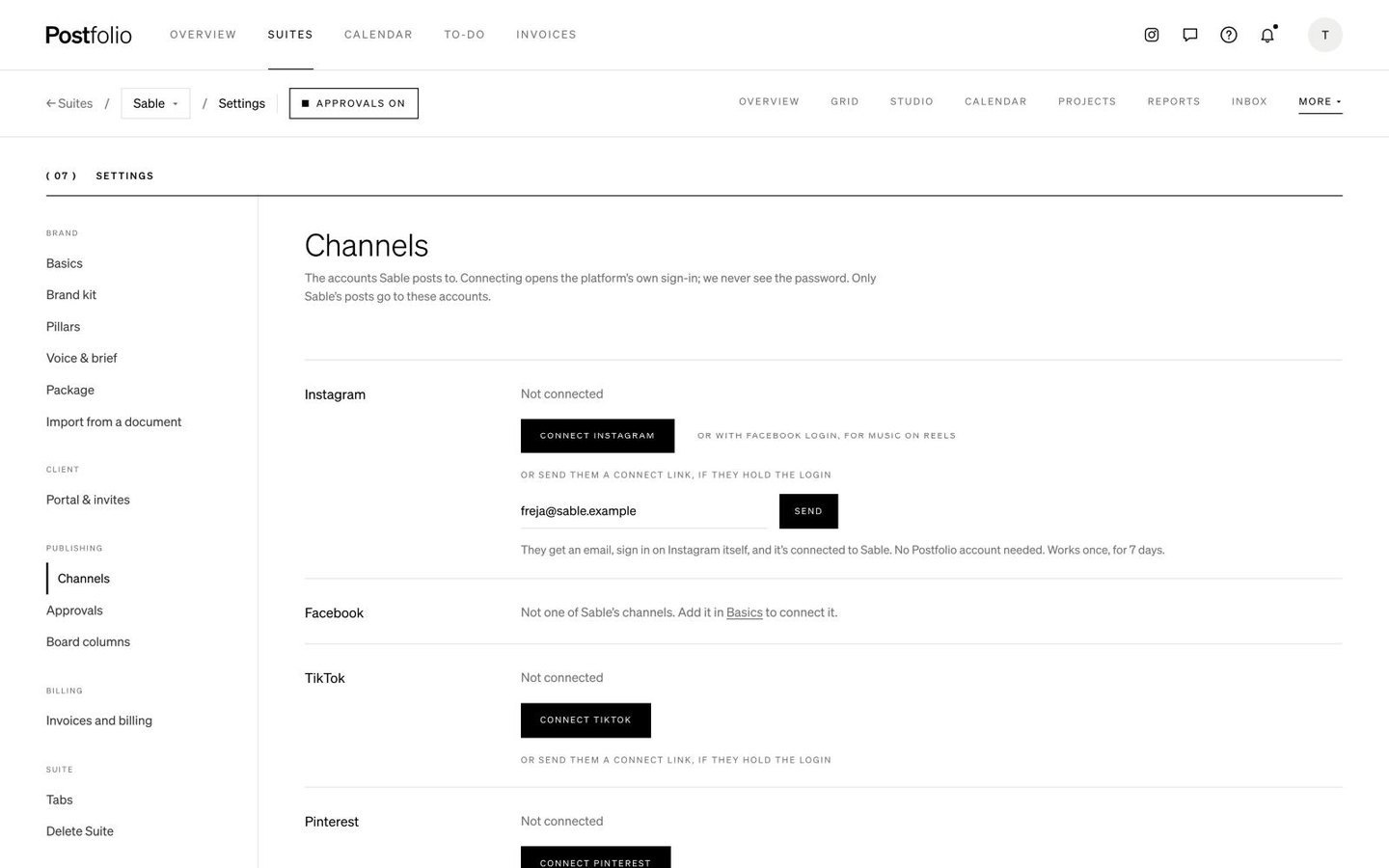
Or send a connect link
If your client holds the login, send them a connect link. They sign in on Instagram themselves, no Postfolio account needed. The link works once, for 7 days.
Next tutorial
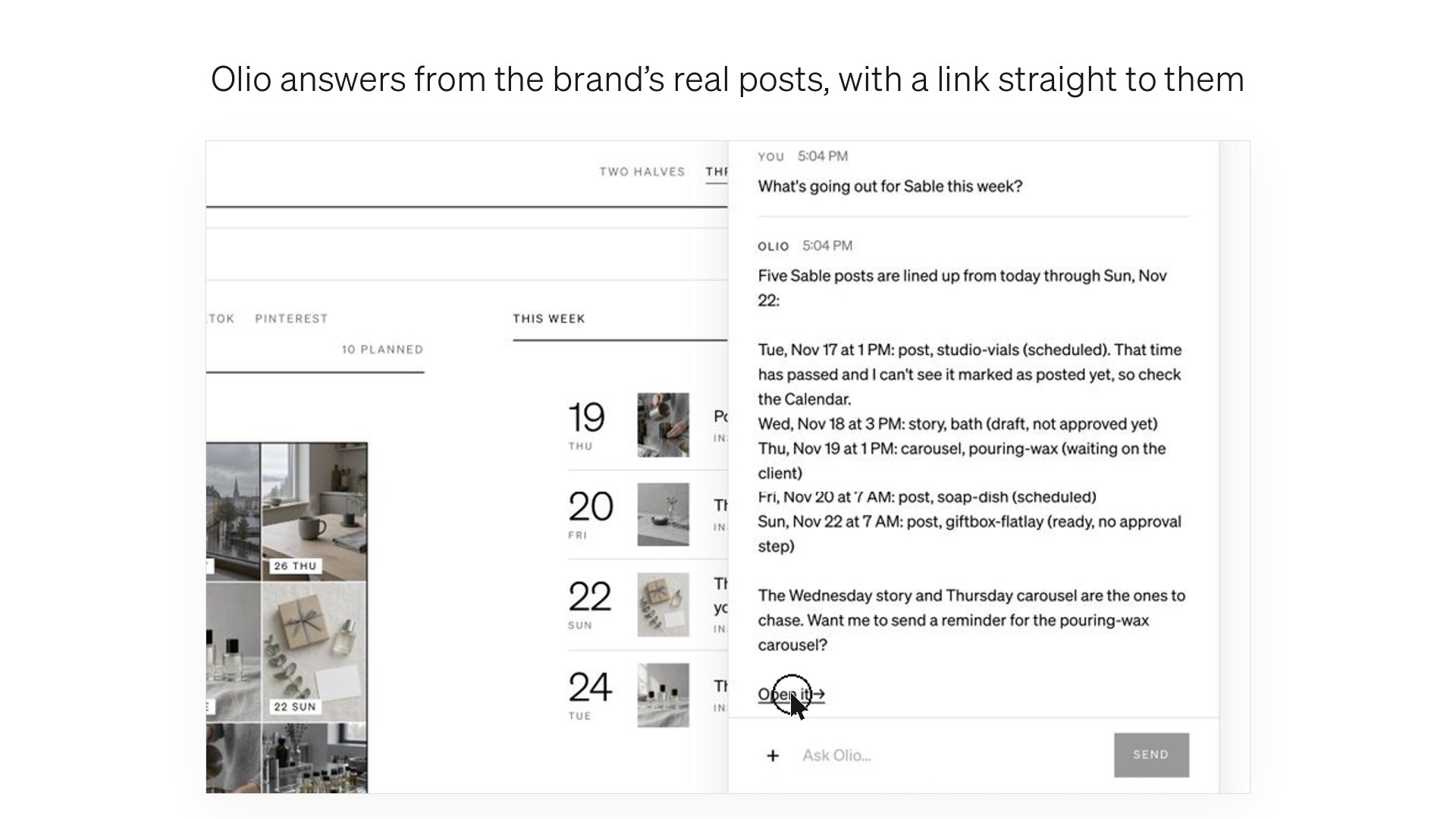 Ask Olio →Olio · 30 sec
Try it in Postfolio
Open Postfolio and follow the steps.
New to Postfolio? Your first month is $10 on monthly plans, then the regular price. Have a free-month code? 30 days free, no card to start, a card by day 14.
Still stuck? Write to us or book a walkthrough.