Getting startedVideo · 26 sec · 4 steps · November 4, 2026
Set up your brand kit
Give each brand its logos, colours, fonts, text styles and mood board, so the team and Olio work from the same look.
01
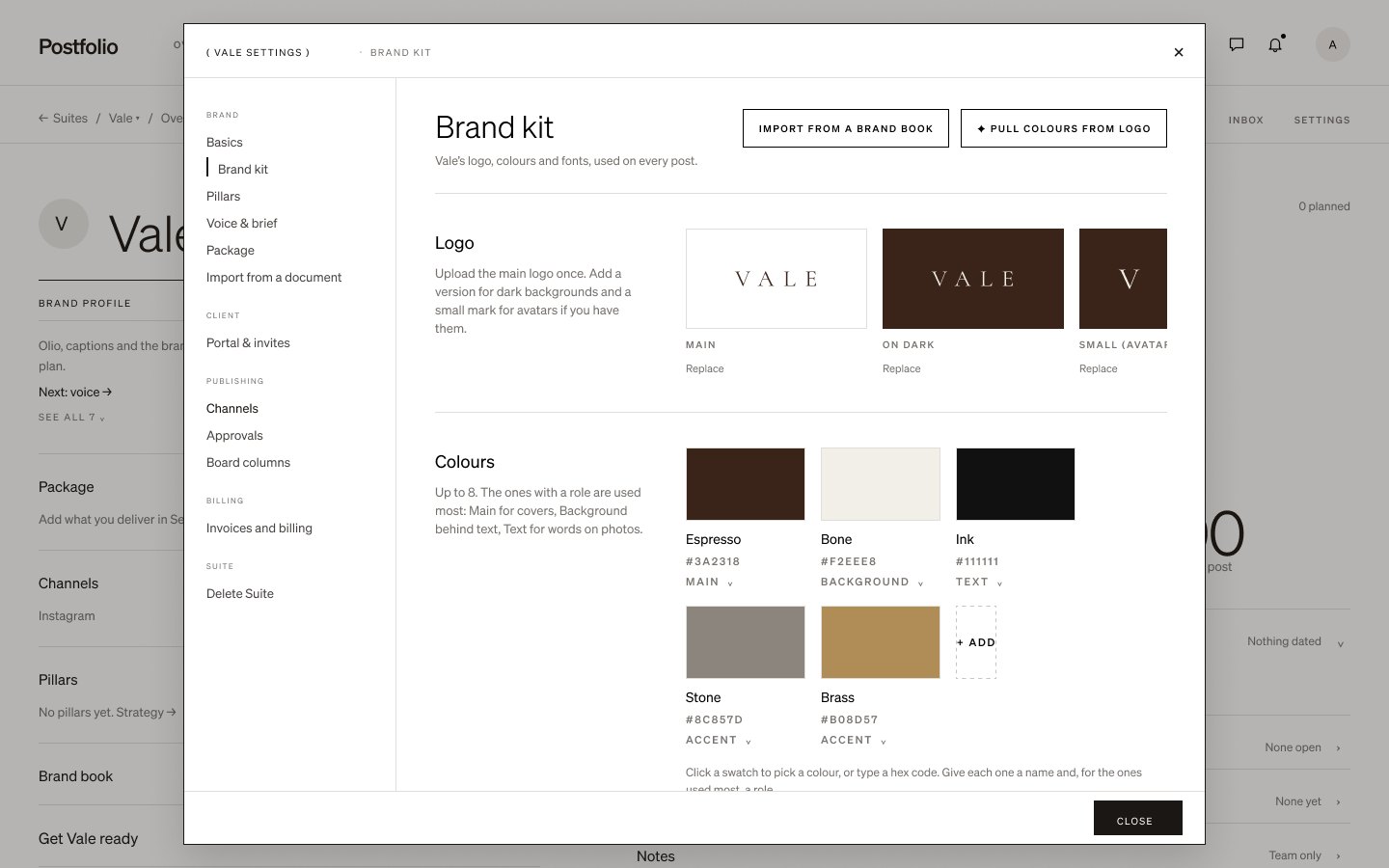
Logos and colours
Open the Suite’s Settings › Brand kit. Add the brand’s logos and its colours.
02
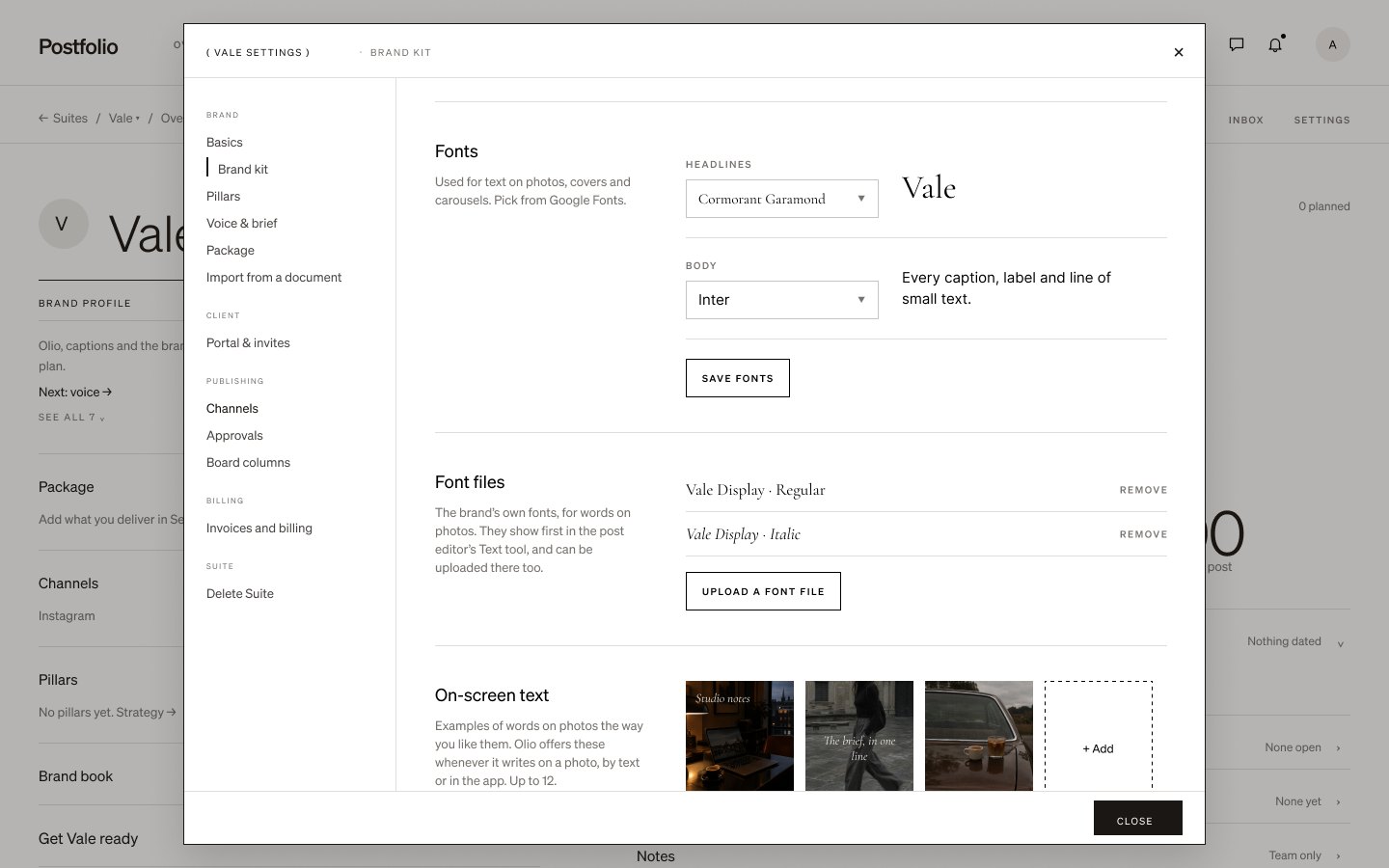
Fonts
Pick the brand’s fonts, or upload its own font files.
03
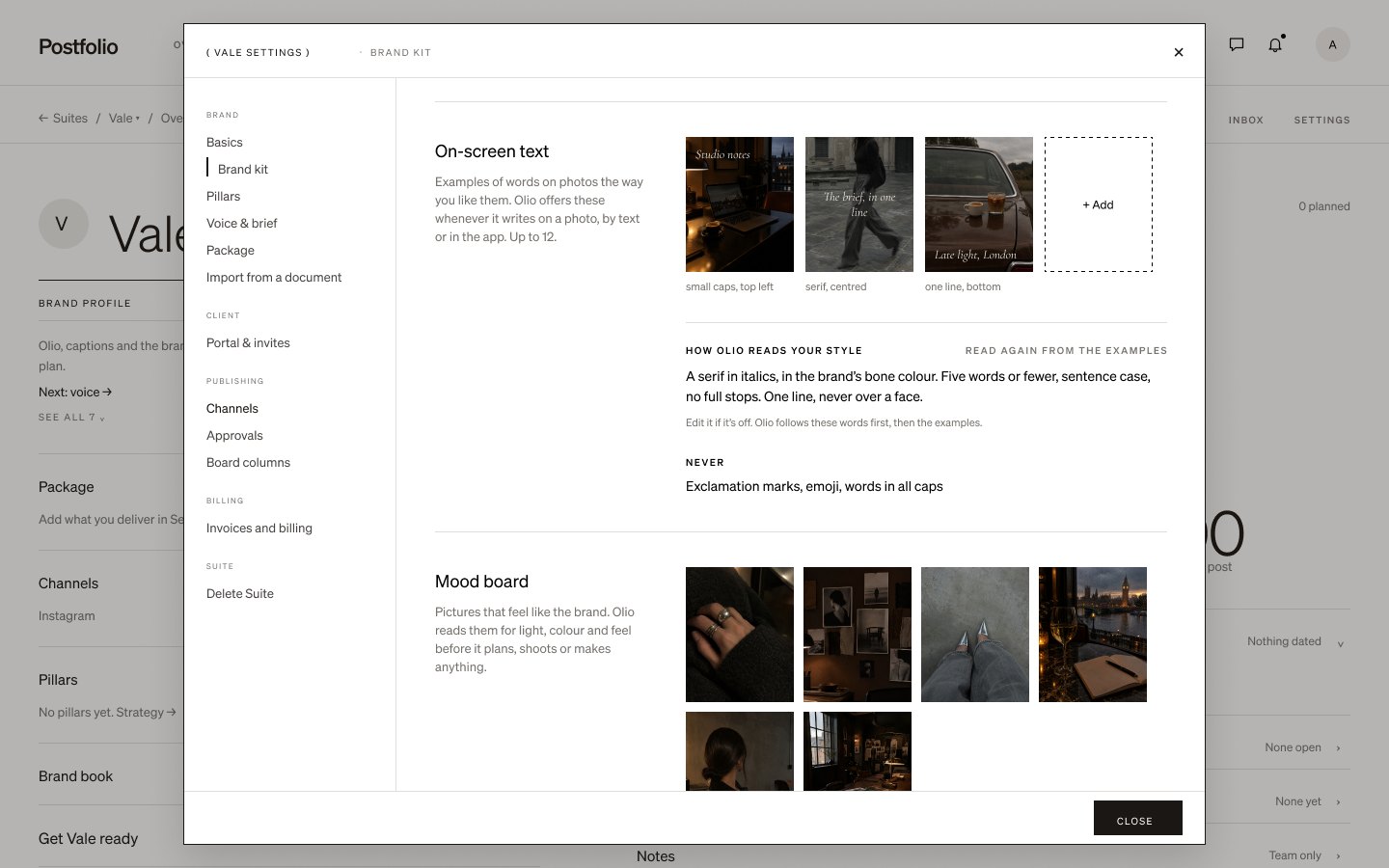
Text styles and mood board
Save the on-screen text styles the brand uses and add a mood board of the look it’s going for.
04
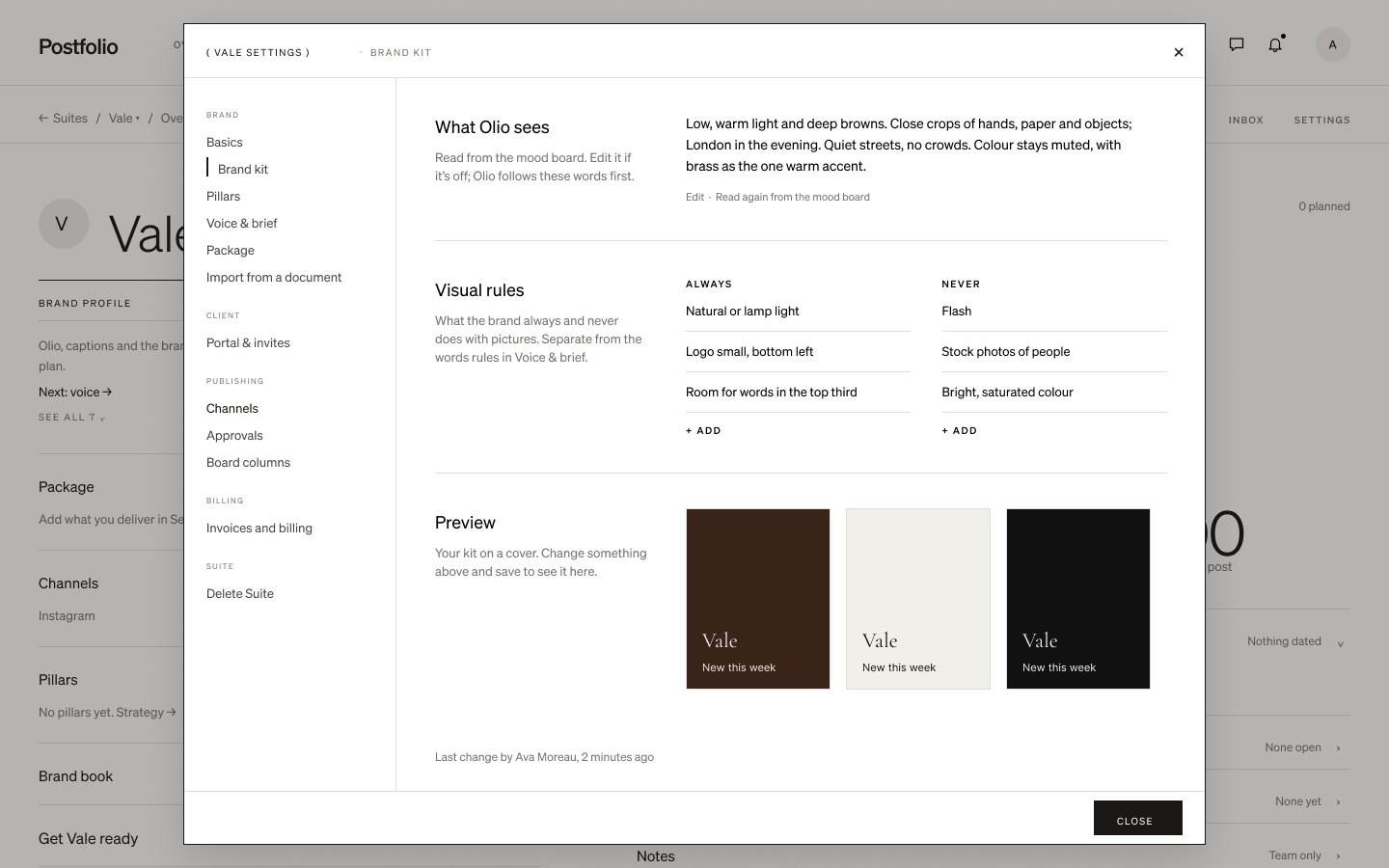
Olio reads it
Olio reads the brand kit, so the drafts it makes look like the brand.
Next tutorial
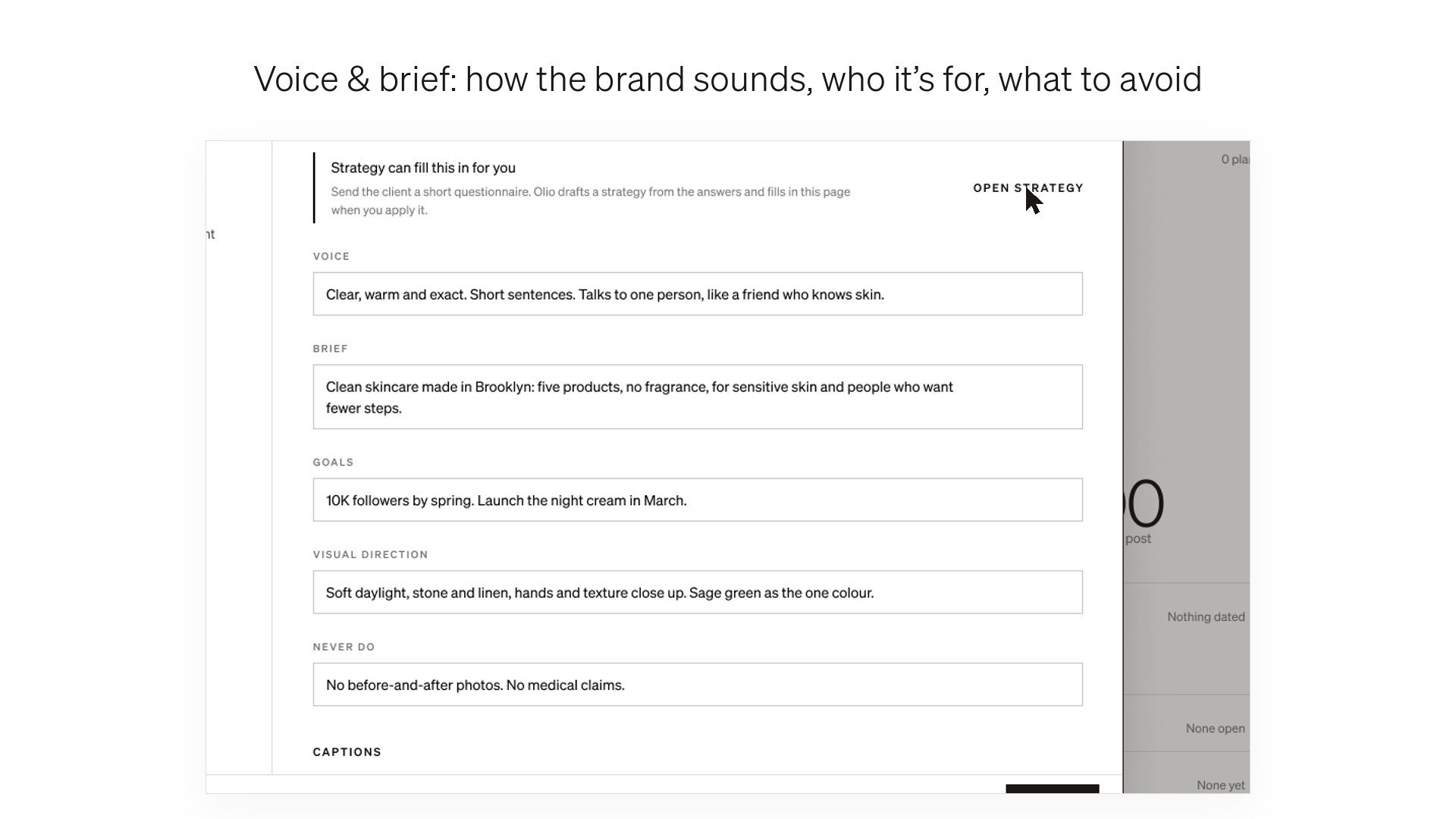 Fill in the brand profile →Getting started · 26 sec
Try it in Postfolio
Open Postfolio and follow the steps.
New to Postfolio? Every plan is $10 for the first month.
Still stuck? Write to us or book a walkthrough.