Create a social media calendar
See every post by day for one brand or all of them, and switch between Month, Sheet and Planner.
01
Open the Calendar
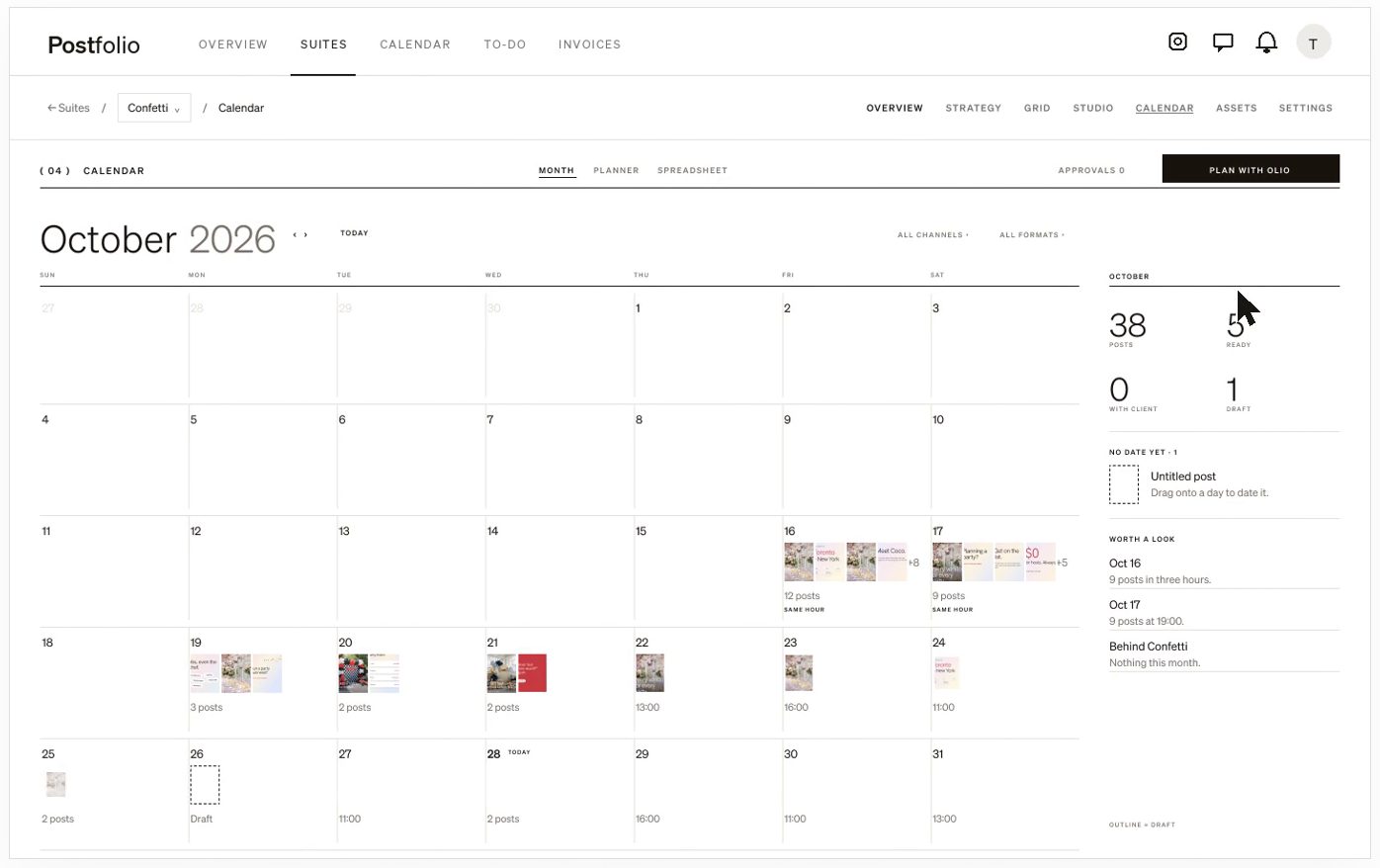
Choose Calendar from the top bar to see every brand, or open it inside a Suite to see one.
02
Read the month
Each day shows its posts. Click a day to see times and status. The rail beside it counts what’s planned, ready and live.
03
Filter
Filter by channel or format to see only reels, only TikTok, and so on.
04
Switch views
Use Sheet to edit captions and dates row by row, or Planner to plan concepts before they become posts and send the plan to your client to approve.
Still stuck? Write to us or book a walkthrough.