Share content and get client approvals
Invite a client to their portal, send posts for approval and see their answers.
01
Invite the client
In the Suite’s Settings, open Portal & invites. Add their name and email and choose what they can do: Full collaboration, Low collaboration, Comment only or Viewer.
02
Send posts for approval
From the Grid or the Calendar, send drafts to the client. Their status changes to With the client’s name.
03
The client answers
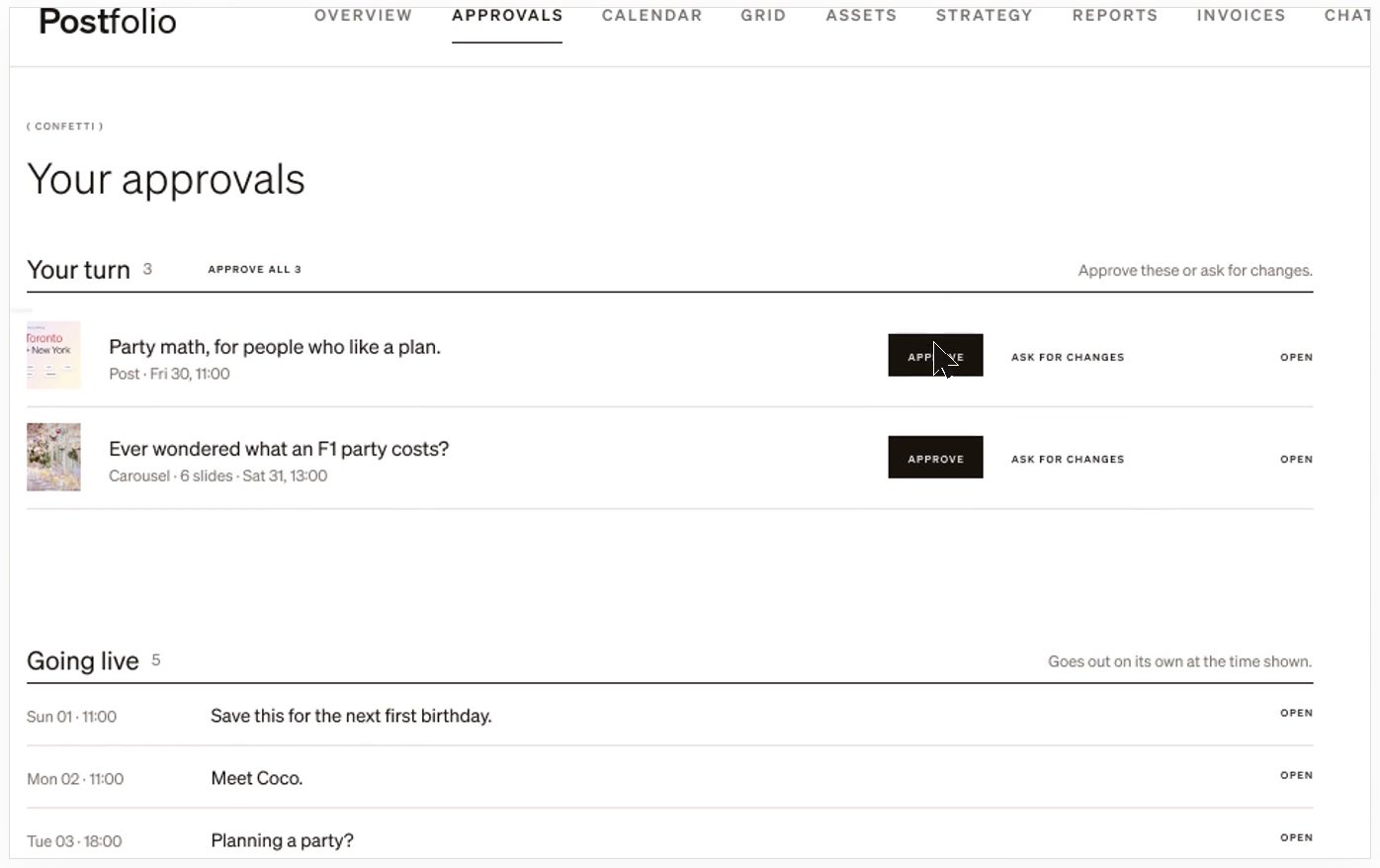
The client sees only what’s waiting for them. They approve, or ask for changes with a note that stays on the post.
04
Approved posts go out
Once approved and scheduled, a post publishes at its time. Nothing on a brand that needs approval posts without it.
Still stuck? Write to us or book a walkthrough.