( Approvals )
Client approvals without the email chains.
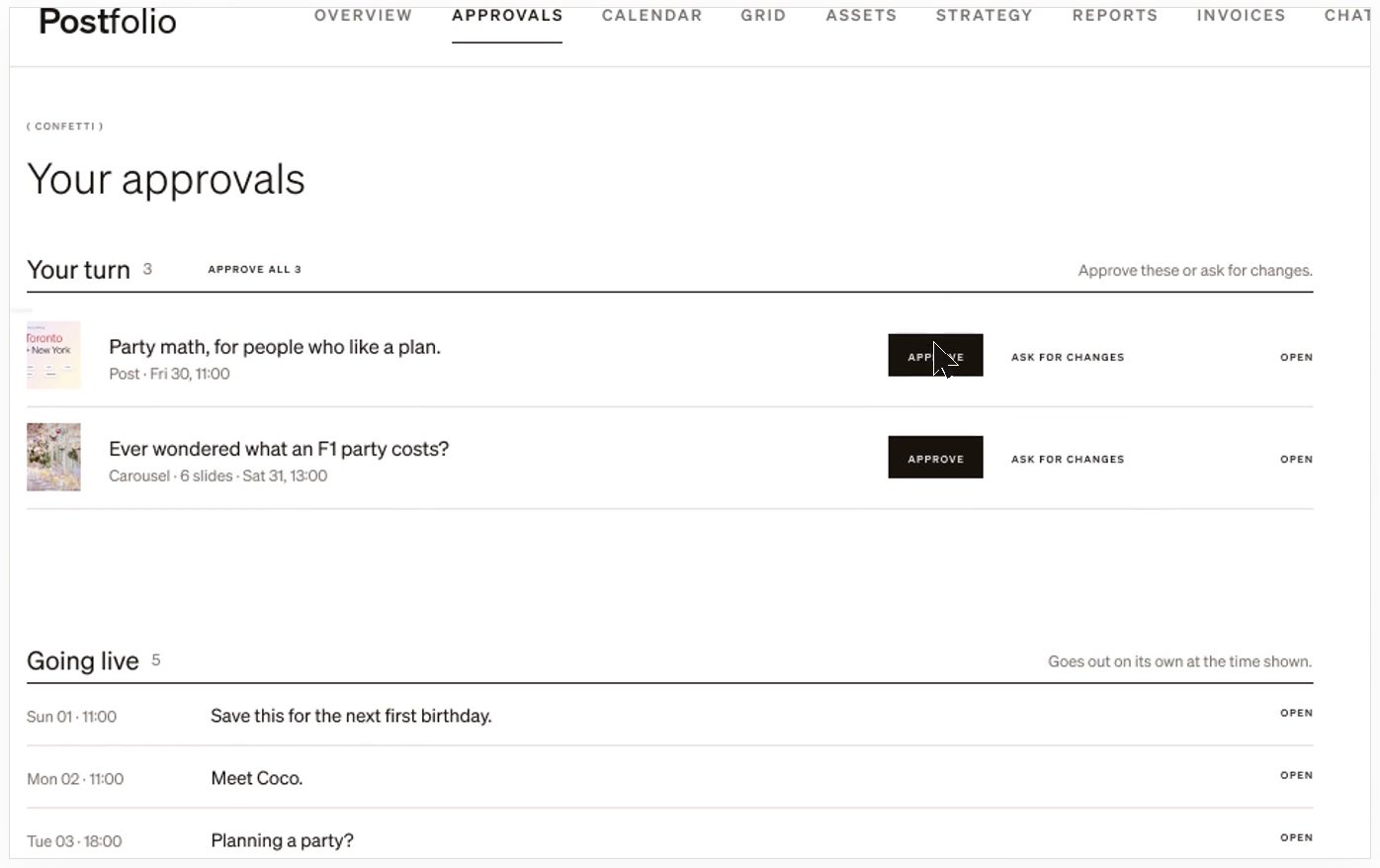
Each client gets their own Postfolio portal with their brand’s posts waiting for them. They approve or ask for changes in one click, and nothing posts until they’ve said yes.
01
One list for the client
Clients see what’s waiting for them, what’s going live next, and nothing else. They don’t need to learn a tool to say yes.
02
Changes in context
When a client asks for changes, the note sits on the post. You fix it and send it back; the history stays with the post.
03
Pick how involved they are
Invite a client as full collaboration, low collaboration, comment only or viewer. Change it any time from the brand’s settings.
04
Approvals inside your team too
Someone on your team makes the posts and you approve them before they go to the client, or before they post. Turn it on per brand.
How it works
- 1Invite the client to their brand’s portal.
- 2Send posts for approval from the Grid or the Calendar.
- 3They approve or ask for changes. Approved posts go out at their time.
Questions
- Do my clients pay for an account?
- No. Clients are invited to their brand’s portal on your plan.
- Will anything post without approval?
- Not on a brand that needs approval. A post waits until it’s approved.
- Can I skip approval for my own brand?
- Yes. Approval is set per brand, so your own accounts can post straight away.
More in Postfolio
( Postfolio )
Plan, approve and publish for every brand you run.
A calendar for every brand, a Grid that shows the real Instagram profile, client approvals, reports and invoices. Your first month is $10.