( Invoices )
Invoice clients and get paid by card.
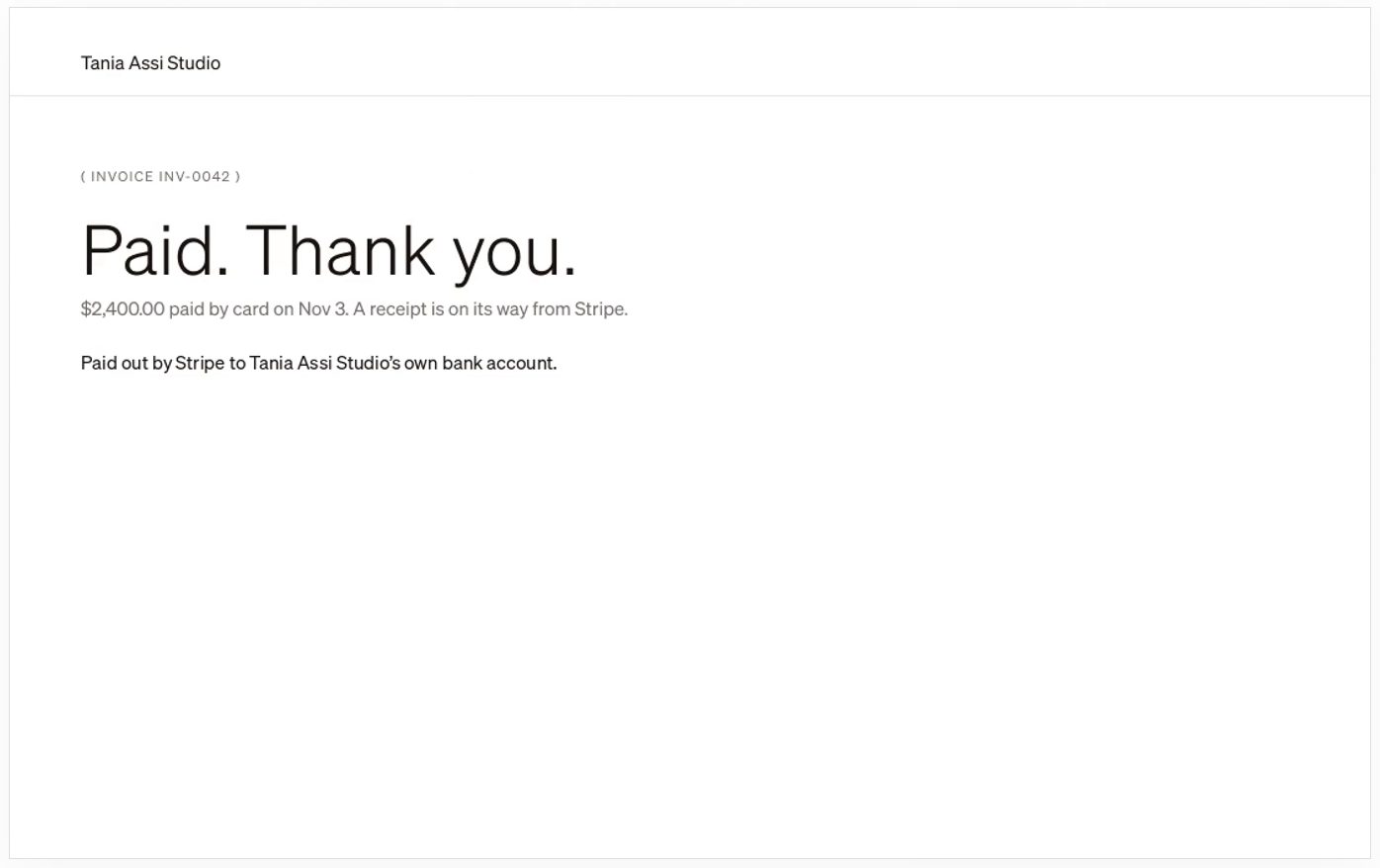
Make an invoice for a brand in Postfolio and send it. Your client pays by card on a page with your name on it, and the money goes to your own bank account.
01
Next to the work
Invoices live with the brand they’re for, beside its calendar and reports, so billing a client doesn’t mean opening another tool.
02
Paid to your bank
Connect Stripe once. Clients pay by card and Stripe pays you out to your own account.
03
See who’s paid
Every invoice shows whether it’s been sent or paid.
How it works
- 1Connect Stripe in Settings › Get paid.
- 2Make an invoice for a brand and send it.
- 3Your client pays by card; you’re paid out to your bank.
Questions
- Does the money go through Postfolio?
- Payments go through Stripe to your own Stripe account and on to your bank.
- Can clients pay from their portal?
- Yes. Clients with a portal see their invoices there and can pay them by card.
More in Postfolio
( Postfolio )
Plan, approve and publish for every brand you run.
A calendar for every brand, a Grid that shows the real Instagram profile, client approvals, reports and invoices. Your first month is $10.