Send invoices and get paid by card
Connect Stripe once, invoice a Suite and let clients pay by card.
01
Connect Stripe
Open Settings › Get paid and connect your Stripe account. Payments go to your own bank.
02
Make an invoice
Open Invoices, make an invoice for a Suite and send it.
03
Your client pays
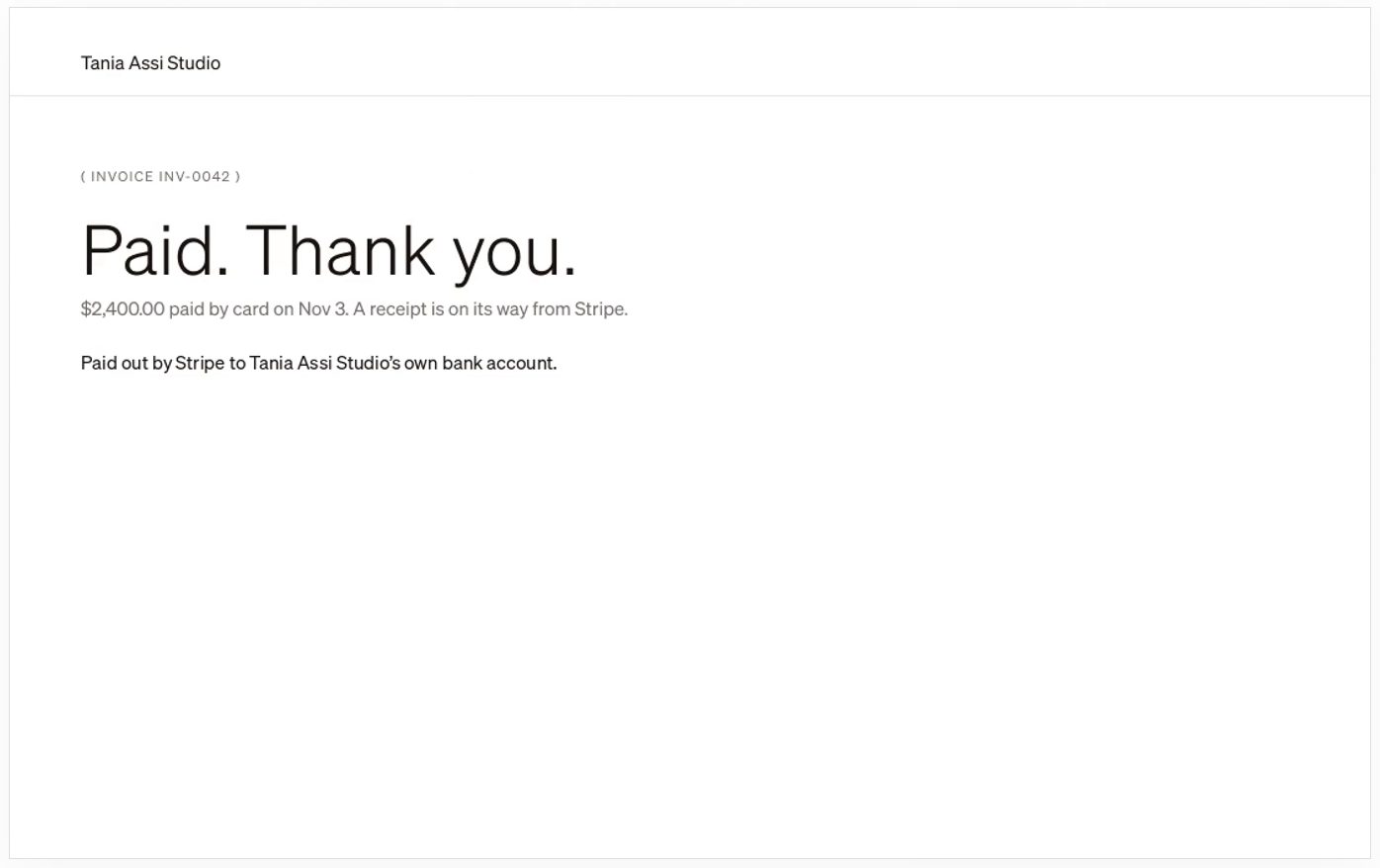
Your client pays by card on a page with your name on it, or from their portal.
04
Keep track
Totals show what you’ve billed, been paid and what’s still out. Late invoices show first under Needs attention.
Still stuck? Write to us or book a walkthrough.