Text Olio from your phone
Turn on Text Olio, send it photos and a line, and find the draft waiting in Postfolio.
01
Turn it on
Open Settings › Text Olio and add your phone number.
02
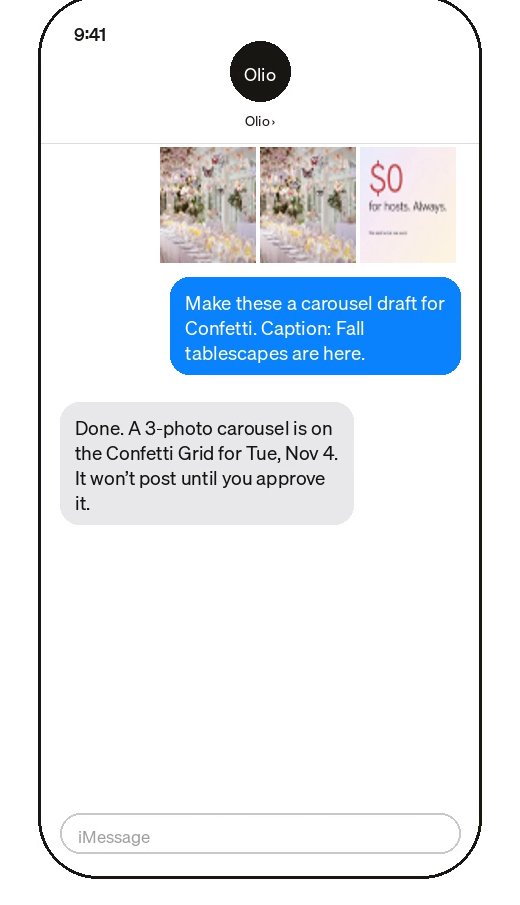
Send photos and a line
Text Olio your photos and say what they’re for, like “a carousel for Halden, caption: the winter routine”.
03
Review in Postfolio
The draft is on the brand’s Grid. Olio never publishes: you, or your client, approve it first.
04
Ask about your brands
Text Olio to ask what’s going out this week, or what’s waiting on a client.
Still stuck? Write to us or book a walkthrough.