PlanningVideo · 36 sec · 6 steps · November 4, 2026
Plan a shoot with the Shoot Planner
Plan every shoot for a brand: concepts with an example, script, props and people, sent to the client to approve, then a running order for the day.
01
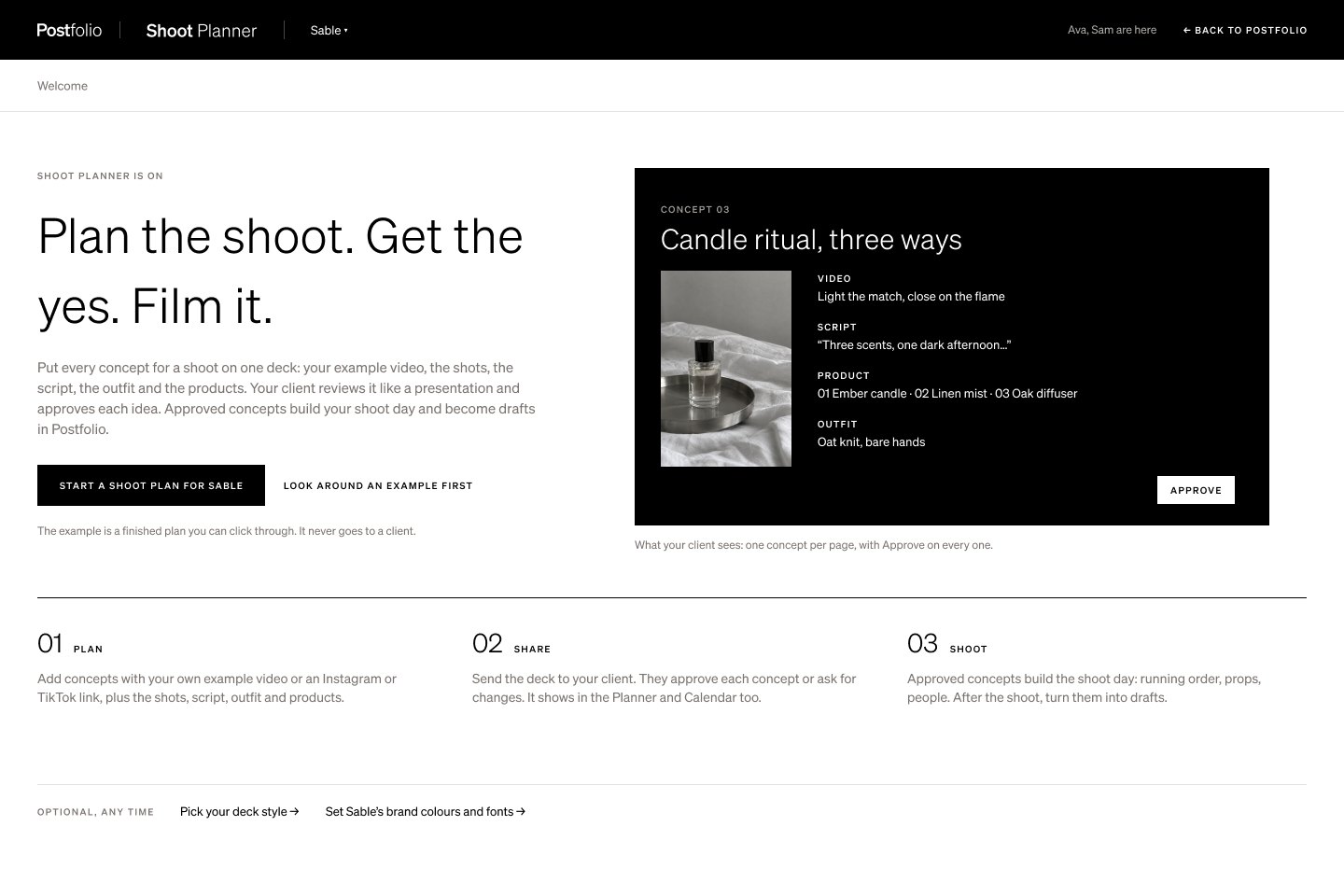
Start a plan
Open a Suite’s Shoot Planner and turn it on, then press New plan. Each plan is one shoot, from the first concept to shoot day.
02
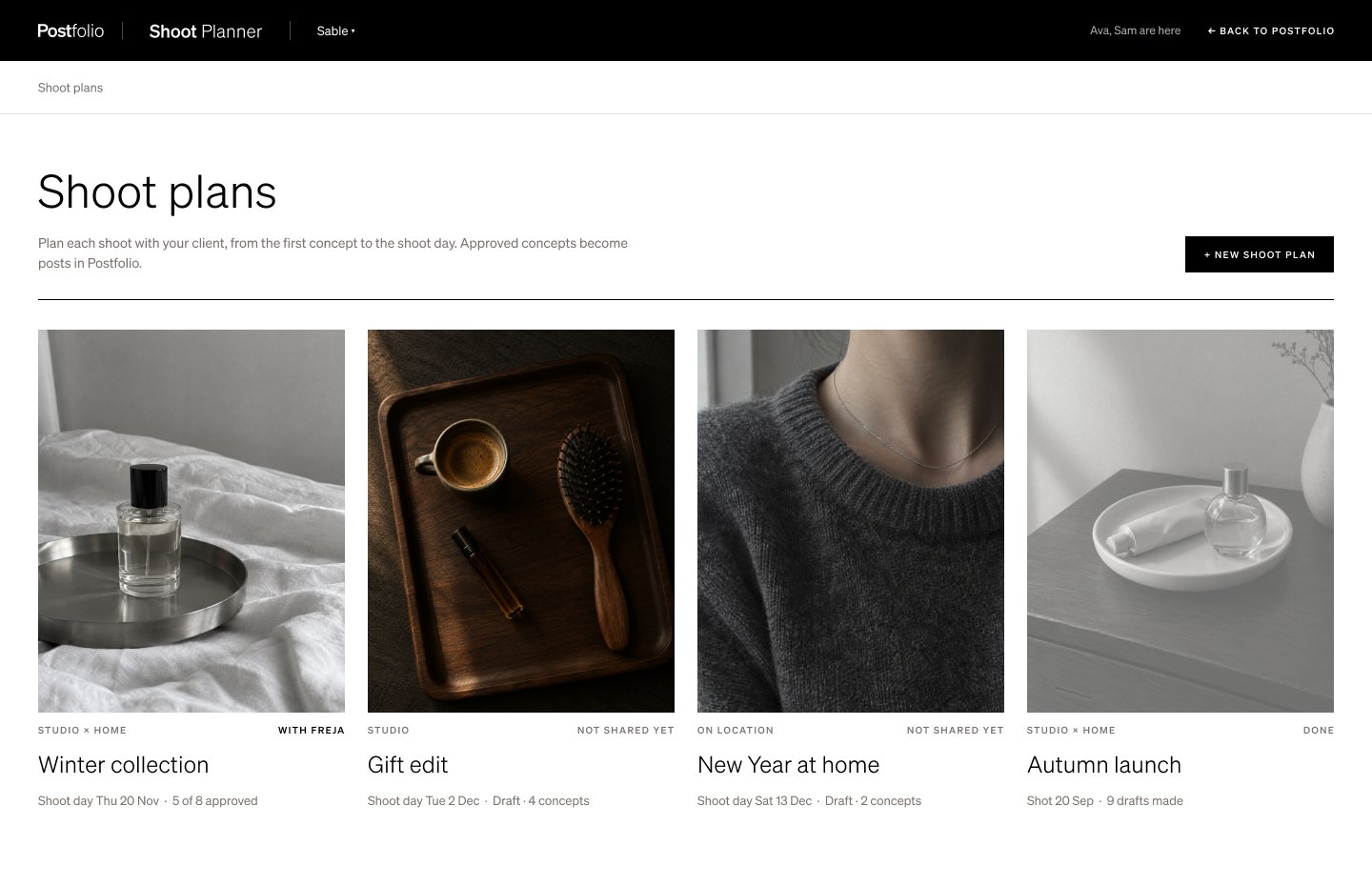
Every shoot for the brand
The planner lists every plan for the brand with its status and shoot date, so the team can see what’s being planned, what’s with the client and what’s ready to shoot.
03
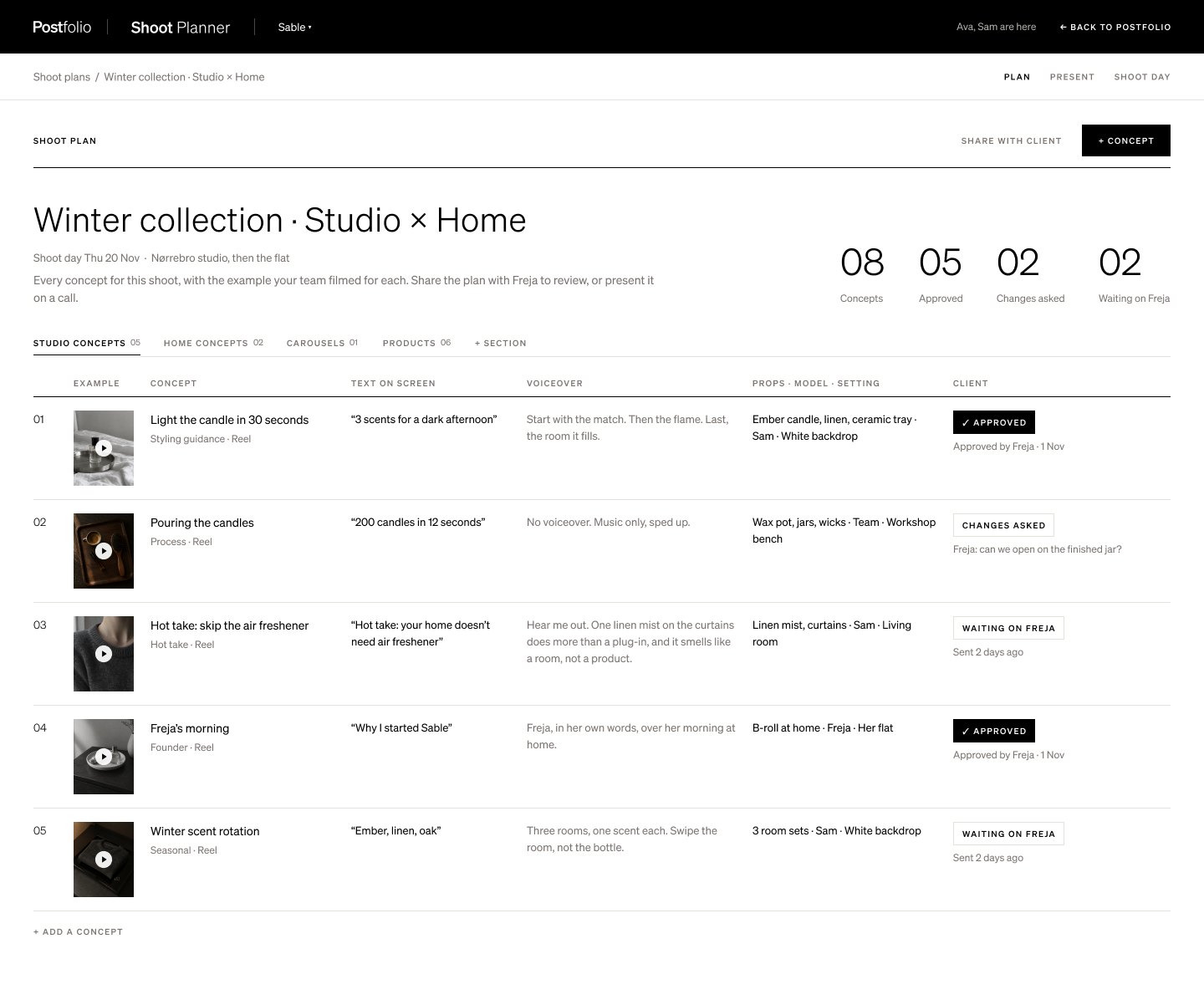
Add concepts
A plan is made of concepts. Each one has an example video, the words, the props and who’s in it.
04
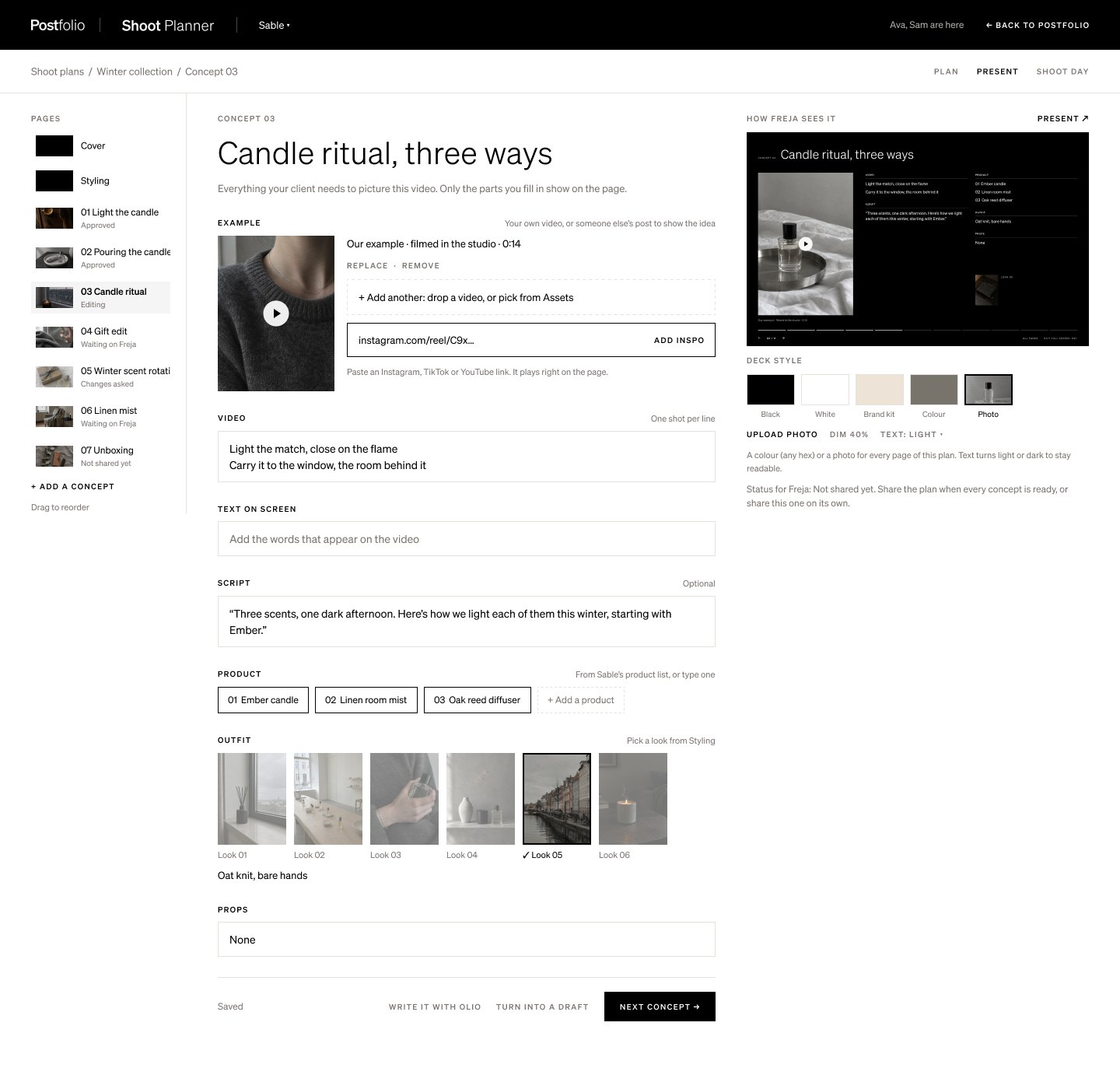
Edit a concept
Open a concept to set the example video, write the script, and pick the products and outfit for it.
05
Send it to the client
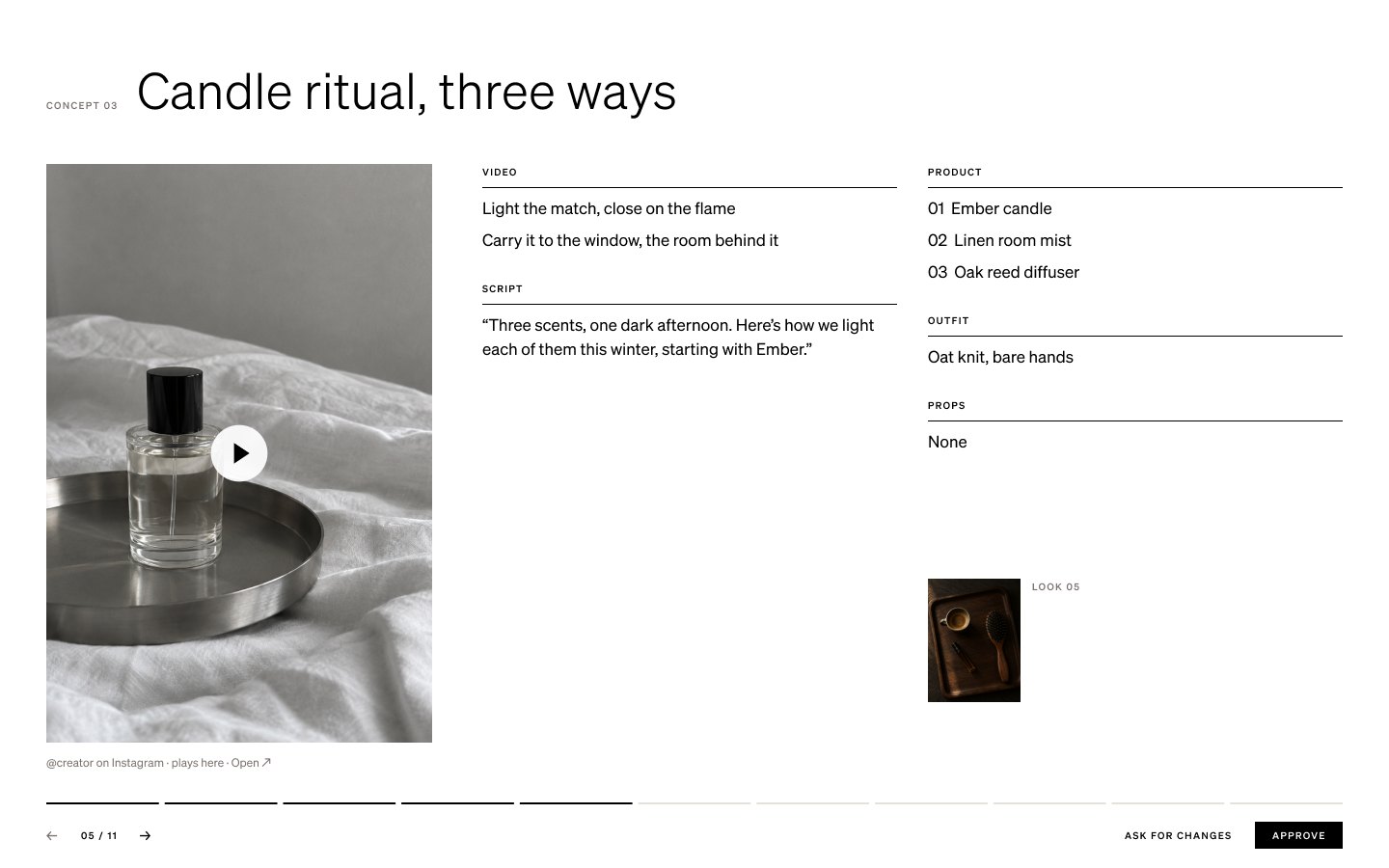
Send the plan to the client. They see one concept per page and press Approve, or ask for changes on that concept.
06
Shoot day
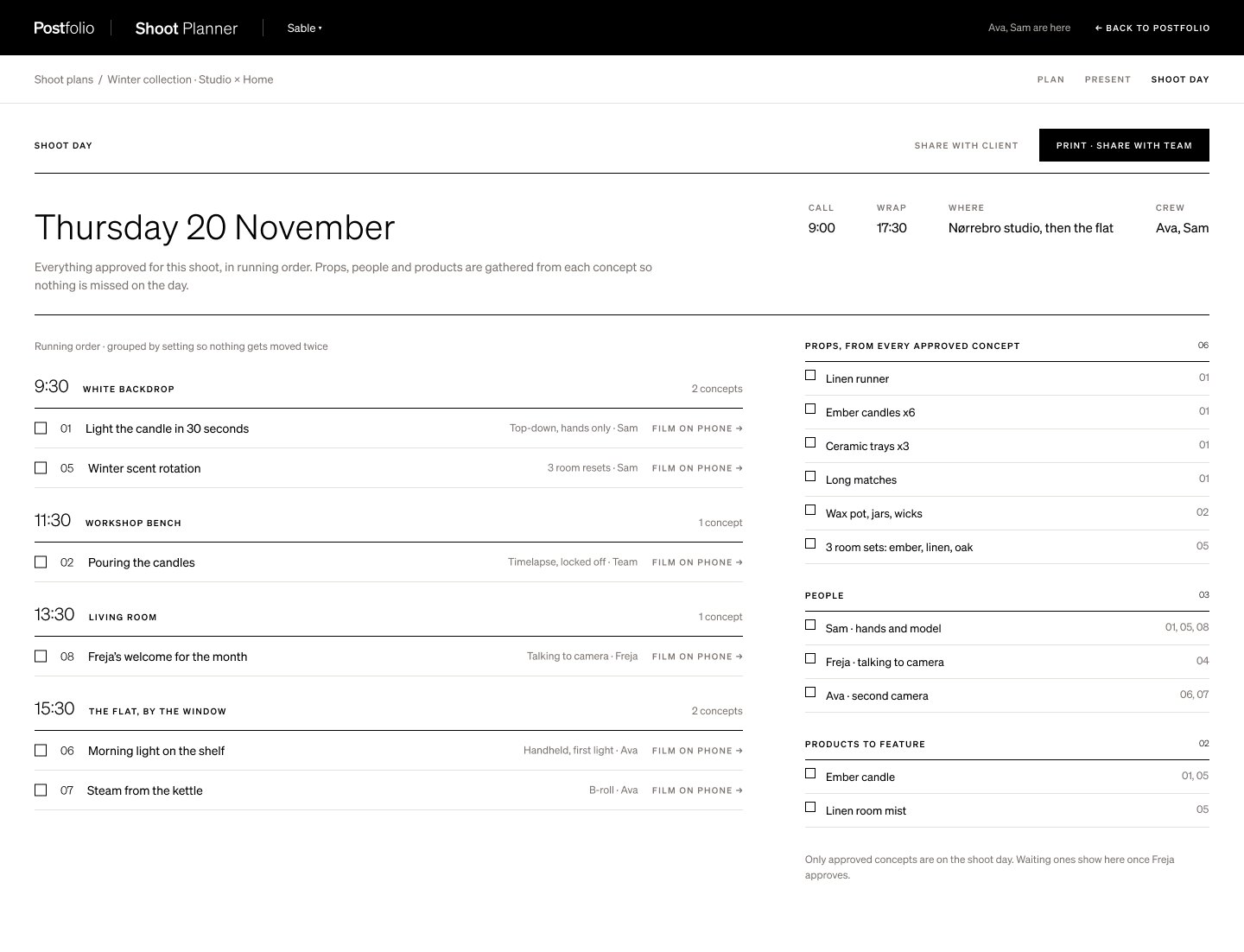
Shoot day builds itself from the approved concepts: the running order, and the props and people each one needs.
Next tutorial
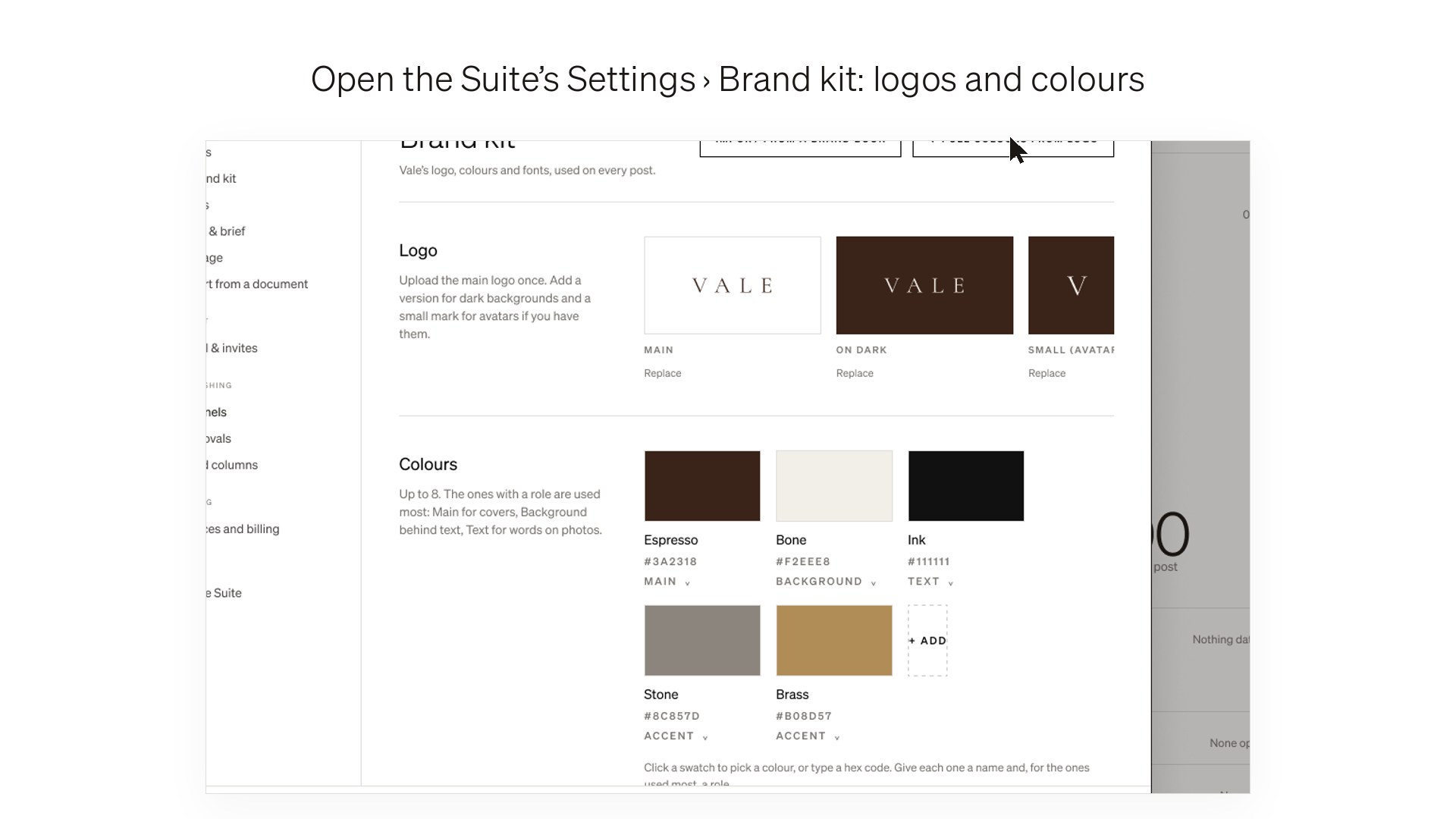 Set up your brand kit →Getting started · 26 sec
Try it in Postfolio
Open a Suite and choose Shoot Planner.
New to Postfolio? Every plan is $10 for the first month.
Still stuck? Write to us or book a walkthrough.