( Studio )
A private board to plan the content before it’s a post.
The Studio is your team’s canvas for each brand. Lay out the shoot, group photos into posts and carousels, and leave notes for each other. Clients never see it, and nothing on it posts.
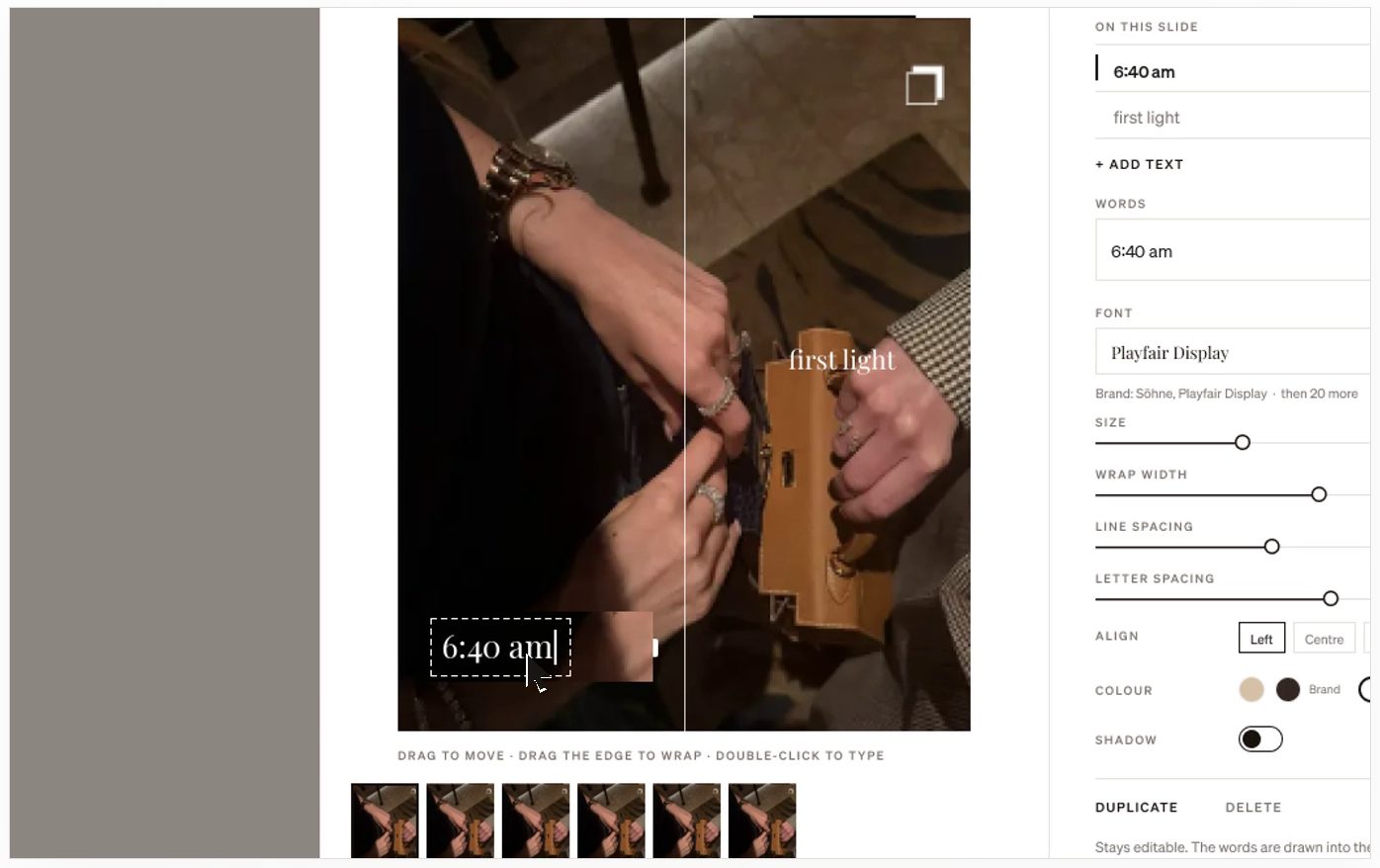
01
Work in sections
Group posts by week, shoot or campaign. New photos and posts land in Unsorted until you give them a place.
02
Photos to posts
Drag photos in from the brand’s library, your phone or Figma. Select a few and make them a carousel, or make each one its own post, then add the caption, format and date.
03
Notes for the team
Leave notes on the canvas next to the posts they’re about. You can see who else has the board open.
04
Send it on when it’s ready
Send ready posts to the Grid as drafts, in order, or send a whole section to the client for approval.
How it works
- 1Open a brand and choose Studio.
- 2Bring in photos and shape them into posts in sections.
- 3Send the ready posts to the Grid or to the client.
Questions
- Can my client see the Studio?
- No. The Studio is private to your team. Clients only see posts you send them for approval.
- Does a date in the Studio schedule the post?
- No. A date in the Studio is a plan. A post is only scheduled once you schedule it on the Grid or Calendar, or once the client approves it when the brand needs approval.
- Can I import designs from Figma?
- Yes. Press Figma at the top of the Studio and pick the frames to bring in.
More in Postfolio
( Postfolio )
Plan, approve and publish for every brand you run.
A calendar for every brand, a Grid that shows the real Instagram profile, client approvals, reports and invoices. Your first month is $10.