OlioVideo · 30 sec · 4 steps · November 17, 2026
Ask Olio
Ask Olio what’s going out, to write captions, schedule or check your numbers, from the top bar on any page.
01
Open Olio
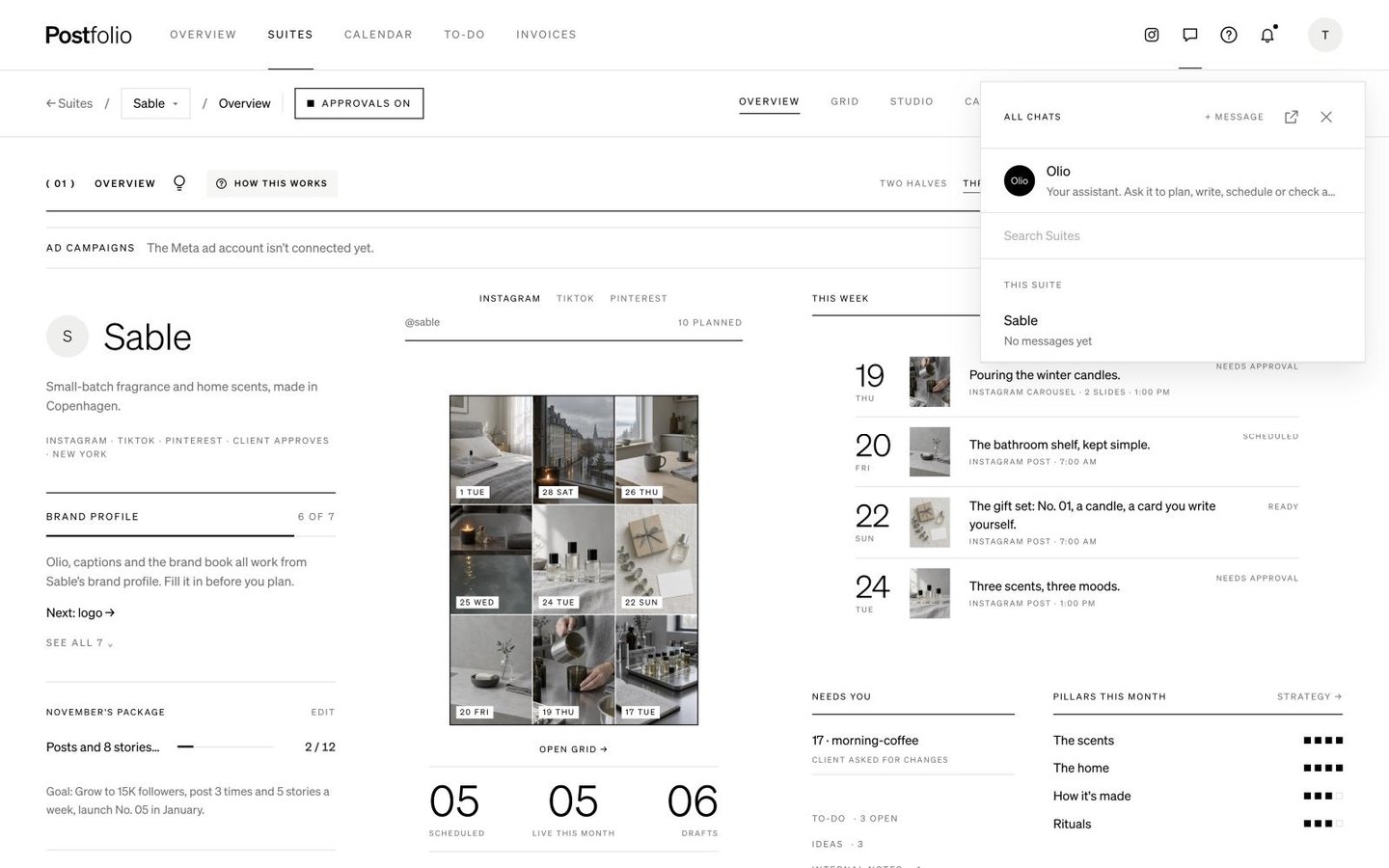
Press the chat icon in the top bar on any page, then Olio.
02
Ask
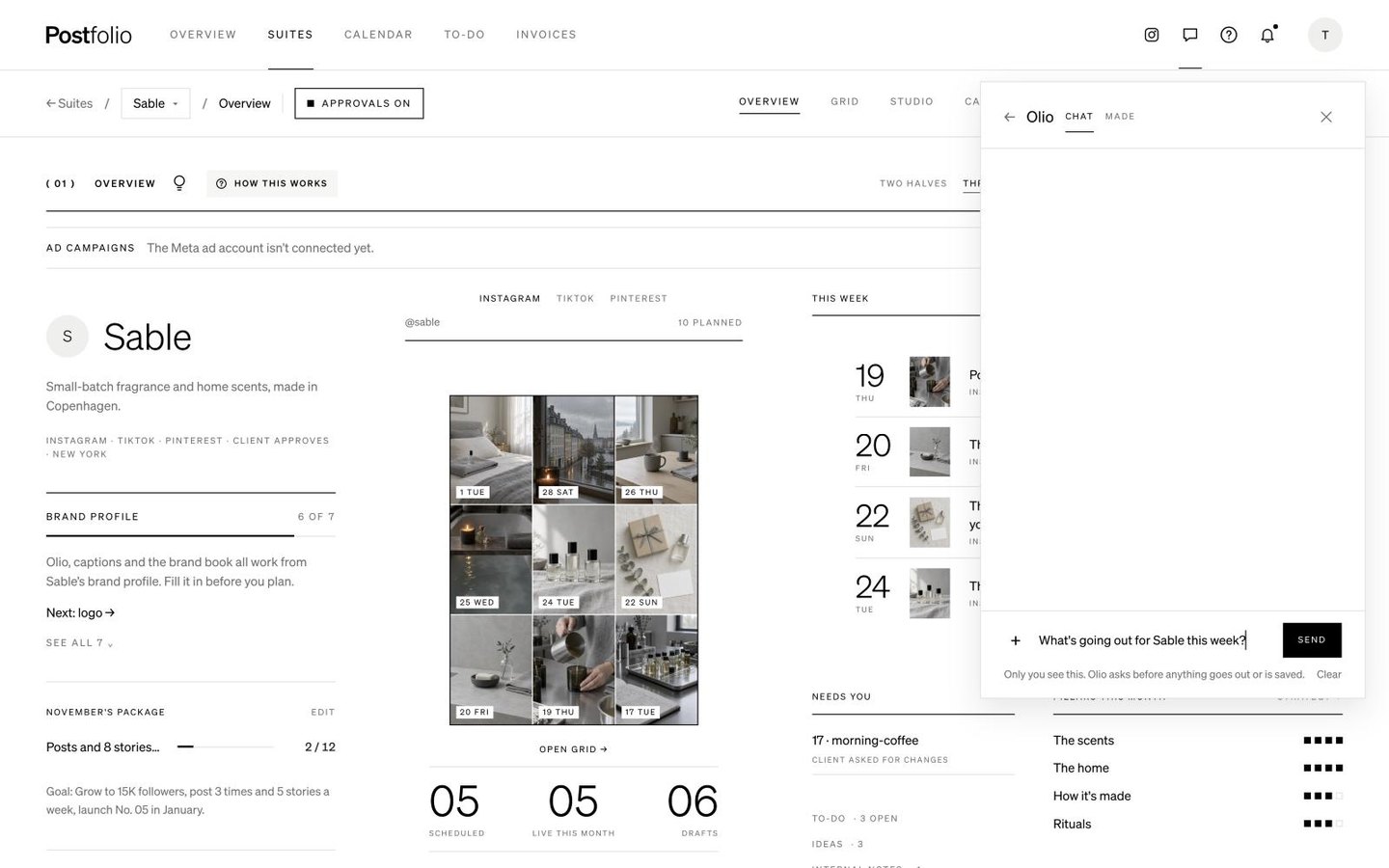
Ask it to plan, write captions, schedule, answer comments or check your numbers.
03
Read the answer
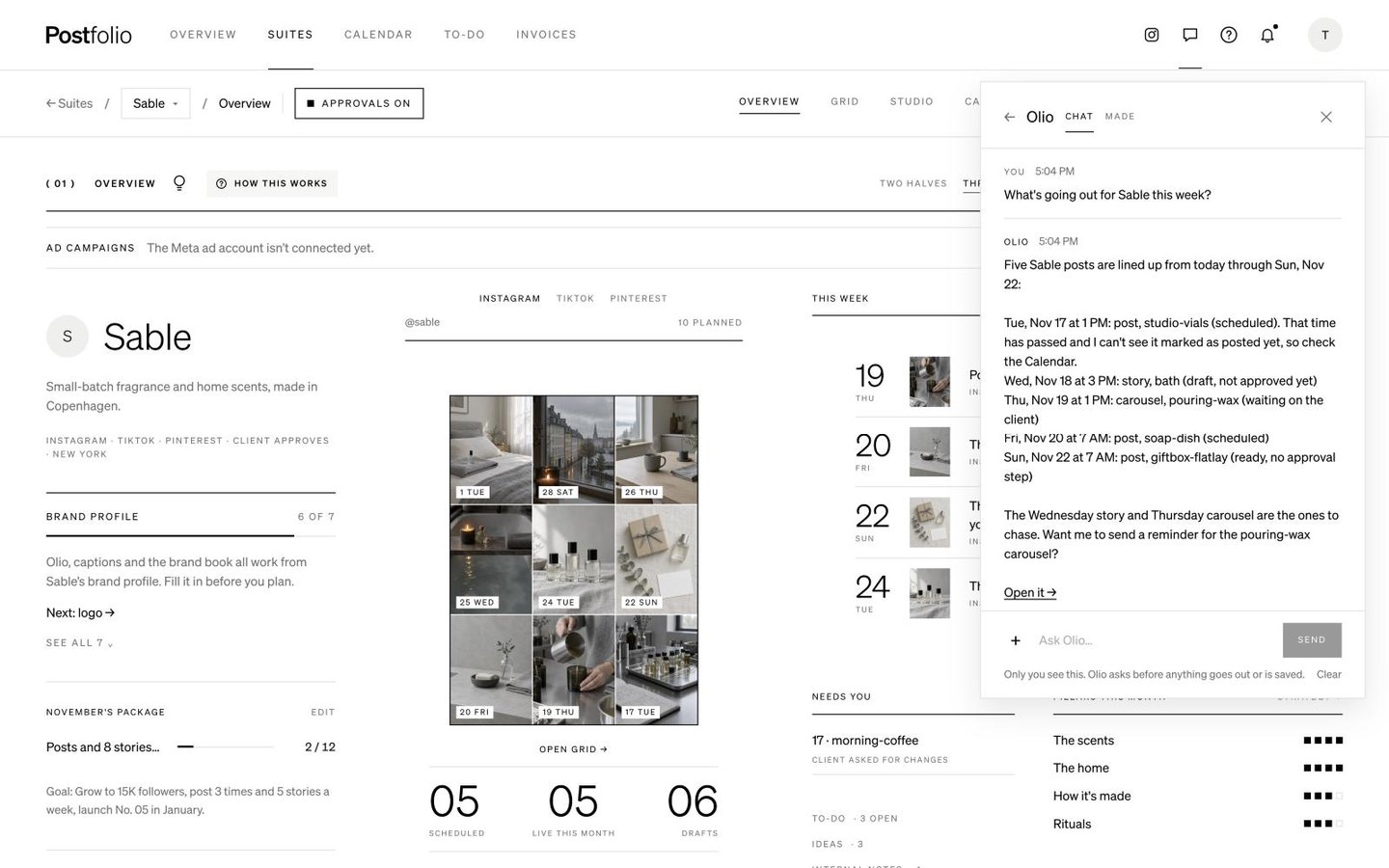
Olio answers from the brand’s real posts, with a link straight to them.
04
Nothing happens without you
Only you see the chat. Olio asks before anything goes out or is saved. New chat starts fresh, and earlier chats stay under Earlier chats.
Next tutorial
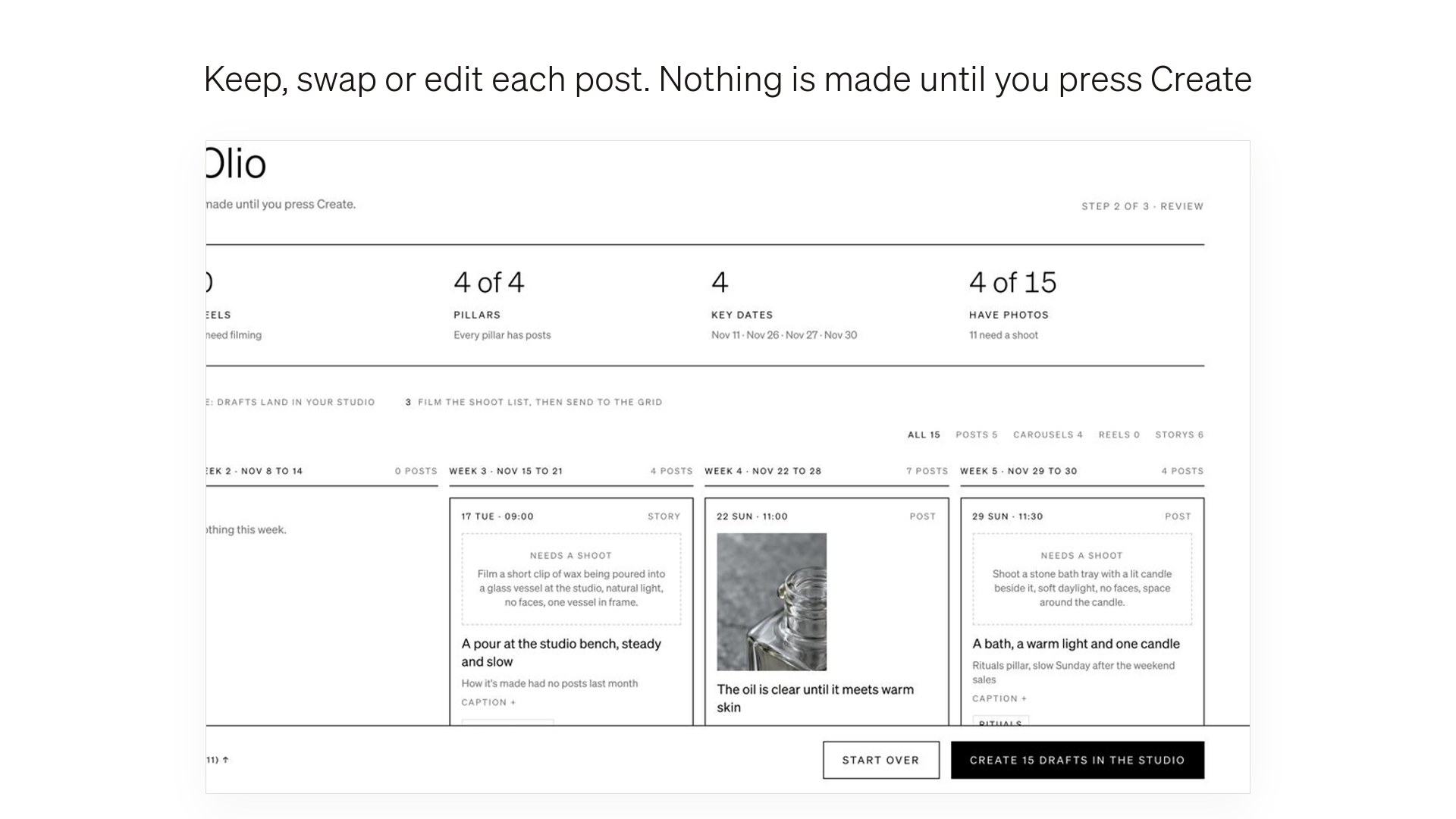 Let Olio plan your month →Olio · 35 sec
Try it in Postfolio
Open Postfolio and follow the steps.
New to Postfolio? Your first month is $10 on monthly plans, then the regular price. Have a free-month code? 30 days free, no card to start, a card by day 14.
Still stuck? Write to us or book a walkthrough.