
Batching works because switching tasks is expensive. Writing a caption, then designing a graphic, then answering a DM, then writing another caption costs you a few minutes of refocusing every time. Do all the captions in one sitting and that cost mostly disappears.
The catch is that batching a month in two days only works if you do some thinking before day one. Skip that and you will spend day one staring at a blank calendar.
Before day one: the planning hour
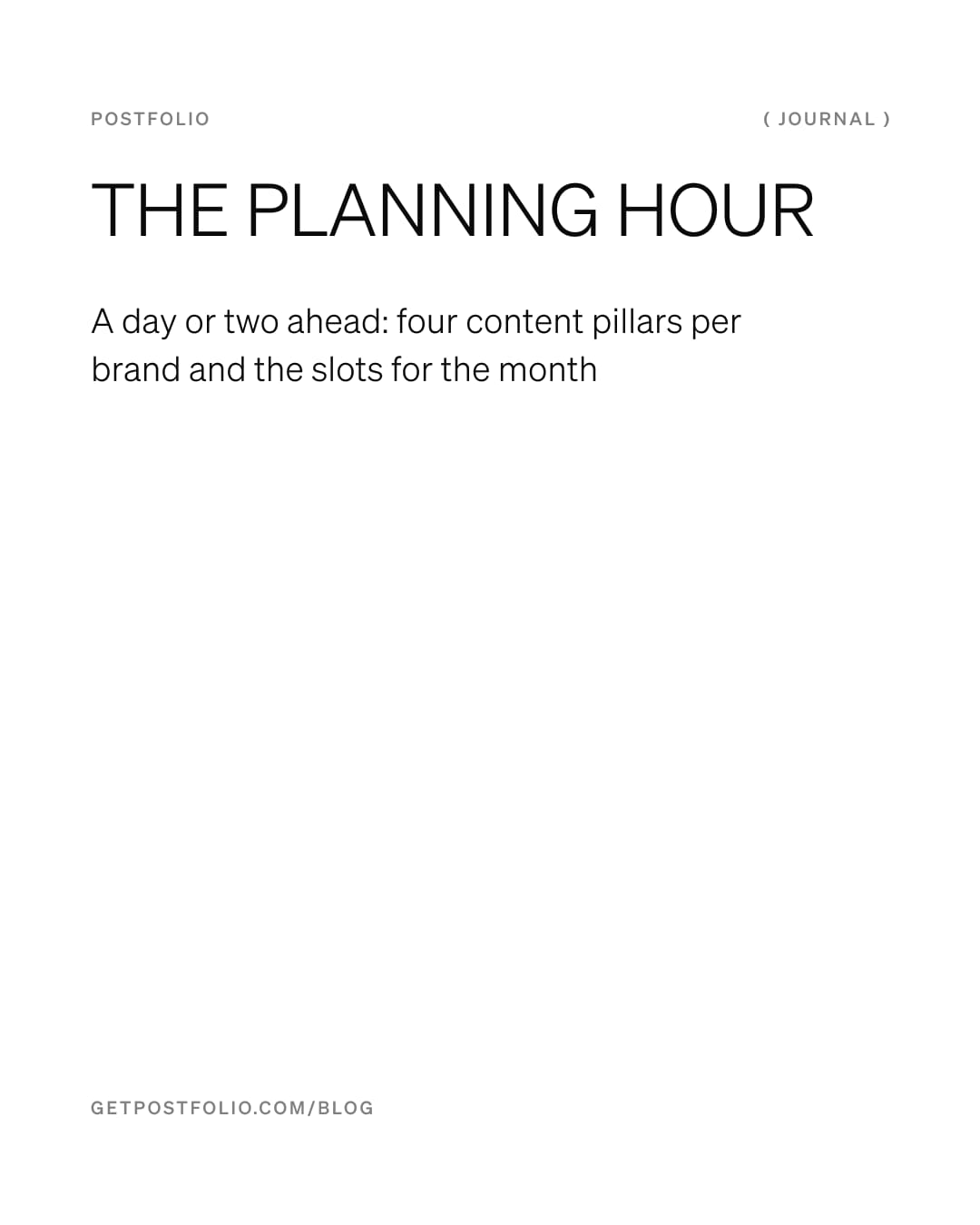
Spend about an hour, a day or two ahead, on three things.
- Pick four content pillars per brand. For a coffee shop that might be product, behind the scenes, customer stories and education.
- Count your slots. If you post four times a week, a month is roughly 16 to 18 posts. Write the number down so you know when you are done.
- Collect raw material: recent photos, customer messages, upcoming dates, offers, anything the client has sent you. Put it all in one folder.
As a rule of thumb, assign each slot a pillar before you write anything. Four posts a week might be two product or education posts, one behind the scenes, one story or proof. That mapping is the whole plan. Everything else is execution.
Day one: write everything
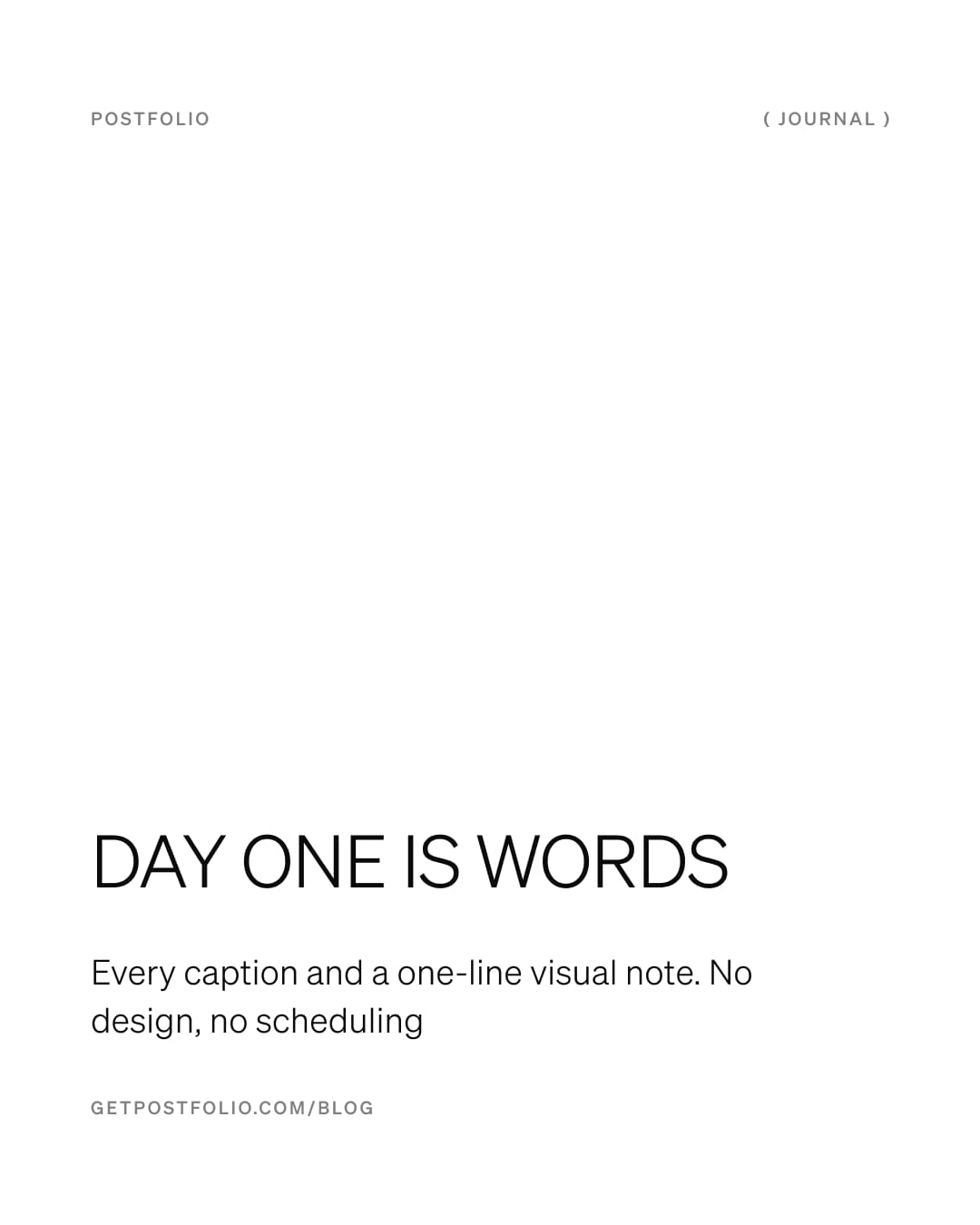
Day one is words and ideas only. No design, no scheduling. Your goal is a finished caption and a one-line visual note for every slot.
Work in this order:
- Hooks first. Write the first line for every post in one pass. Hooks are the hardest part, and they get easier when you write twenty in a row.
- Bodies second. Expand each hook into a full caption. Aim for done, not perfect. You will edit on day two.
- Calls to action last. Vary them. If every post ends with "link in bio", your audience stops seeing it.
- Visual notes. One line each: "photo of the new menu board", "talking head, 20 seconds", "carousel, five steps". Enough that you can build it without thinking.
Timebox it. A caption should take about five to eight minutes. If one is eating more than ten, mark it and move on. A mediocre post you ship beats a perfect one you are still polishing at 6pm.
Stop writing when you hit your slot count. Resist the urge to write extras. Extras are how a two-day project becomes a three-day one.
( The short version )
Swipe through the carousel
Day two: build and schedule
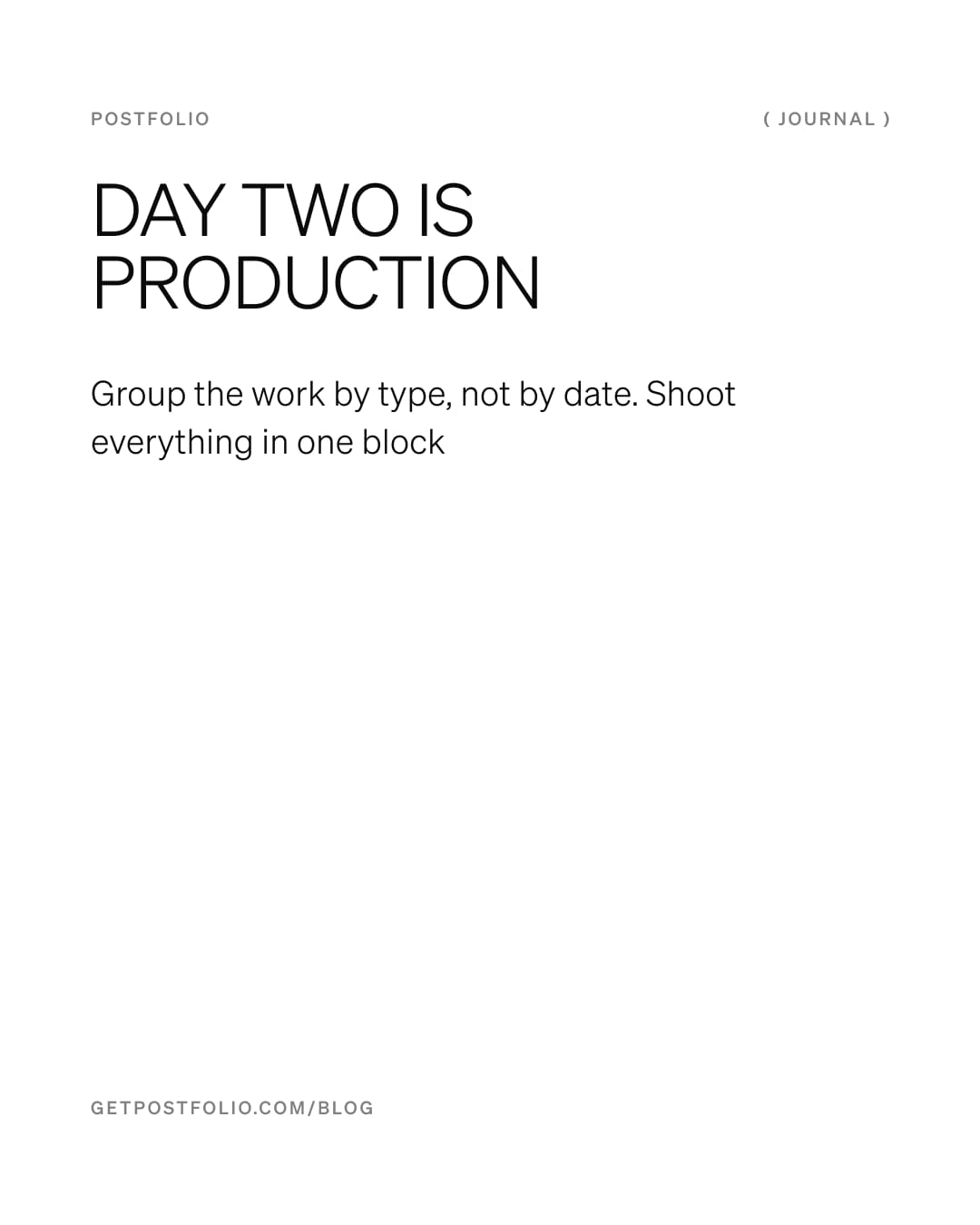
Day two is production. Group the work by type, not by date.
- Shoot or collect all photos and video clips in one block. Same lighting, same location, several outfits or product setups.
- Design all graphics and carousels in one block, using the same templates so each one is fast.
- Edit video last, since it is the slowest. If you are short on time, cut one video format and reuse it, like a simple text-over-clip layout.
- Load everything into your calendar with captions attached and set publish times.
If you manage several brands, this is where tooling matters. I use Postfolio for it because every brand sits in one calendar, and the Grid planner shows me the Instagram profile as it will look, so I catch a run of three similar posts before it goes out. Any setup that gives you a calendar plus a visual preview will do the job. What you want to avoid is scheduling from a spreadsheet and hoping the feed looks right.
Before you finish, do a last pass for two things: typos in the first line of each caption, and whether any post mentions a date, price or offer that could change before it goes live.
Leave room for the real world
A fully locked month goes stale. Keep about 20 percent of slots empty or flexible. Those are for news, a viral moment in your niche, a customer shoutout, or a post that needs to respond to something that happened last Tuesday.
It also helps to build a small buffer of evergreen posts that do not depend on the date. When a slot opens up and you have no time, you pull from the buffer instead of posting nothing.
One more habit: do a 15-minute check every Friday. Read the next week's posts, confirm nothing is outdated, and swap anything that no longer fits. That check is what makes monthly batching safe.
What to expect the first time
Your first batch will run long. Plan for closer to three days if you are new to it, or if you are doing several brands at once. By the second month you will have reusable templates, a swipe file of hooks, and a feel for how long each post type really takes. The second month is usually where two days becomes realistic.
If approvals are part of your process, send the whole month to the client at the end of day two rather than post by post. One review of 16 posts is far easier on a client than 16 separate pings, and it gives you a clear deadline for changes.