
Most content calendars do not stall because the work is bad. They stall because a post sits in someone's inbox for six days and nobody knows whose turn it is.
I have run approvals for agencies and solo clients for years, and the pattern is the same each time. The fix is rarely a better tool or a firmer email. It is a process with a clock on it. Here is what has worked for me.
Decide who approves before you create anything
The first stall happens before a single post exists. You send a draft to your main contact, and they forward it to their boss, who forwards it to legal. Now three people hold your calendar.
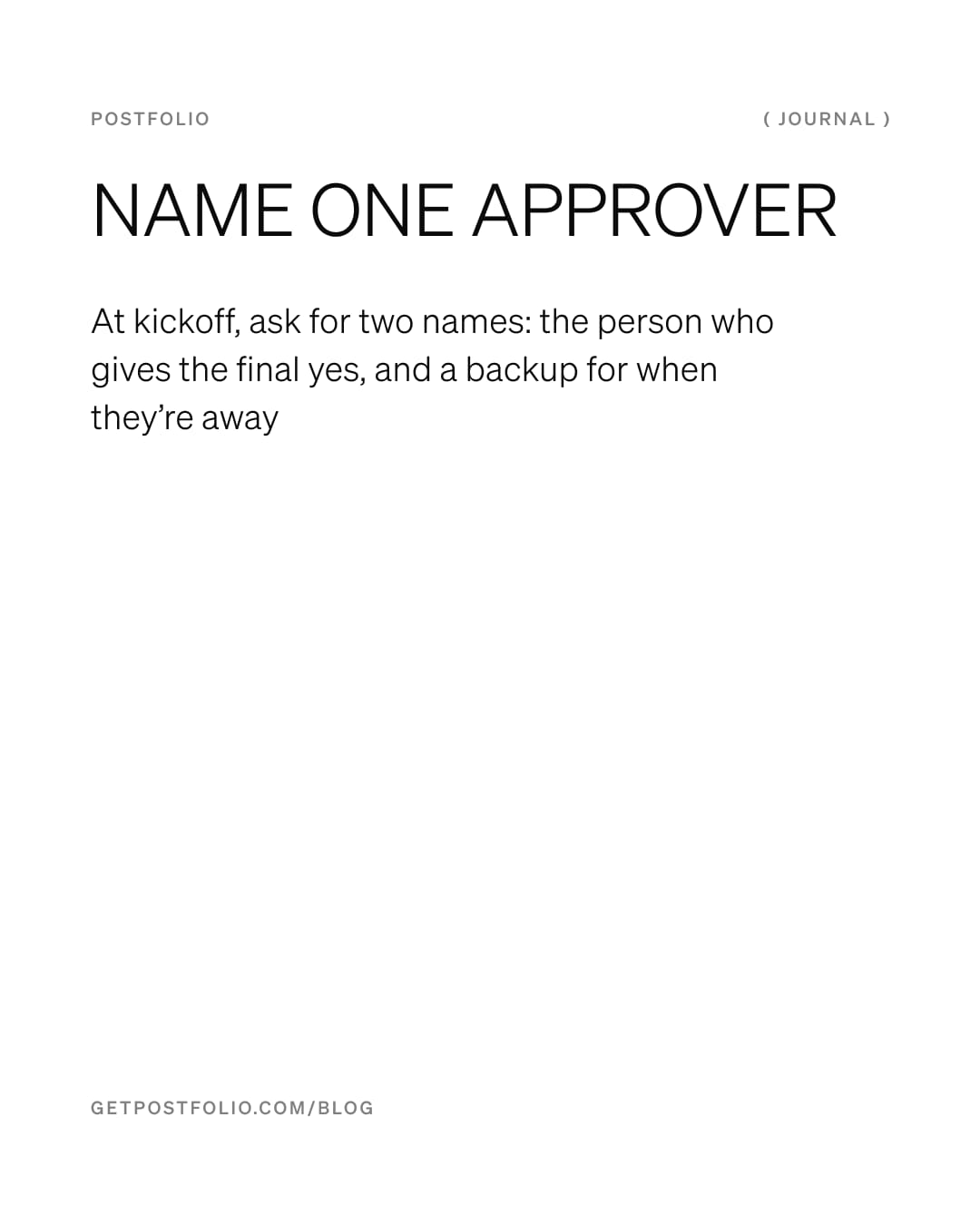
At kickoff, ask for two names: one person who gives the final yes, and one backup who can approve if the first is away. Write them down. If a client wants a larger group to weigh in, that group gets comments, not veto power. One person says yes.
This one step removes more delays than anything else on this list.
Batch the review, do not drip it
Sending one post at a time trains clients to treat approvals as a daily chore, and they will ignore it. Send a batch instead.
A rule of thumb that has held up for me: send a full week of content at once, and send it at the same time every week. Tuesday morning works for many teams because it avoids Monday pileups. The client learns the rhythm. They know Tuesday means a review, and they block ten minutes for it.
If you manage a month at a time, batch by week anyway. A month of posts is a wall of work, and walls get put off.
( The short version )
Swipe through the carousel



Put a deadline on the request and say what happens at the deadline
A request that says "let me know your thoughts" has no end date, so it never ends. Be specific:
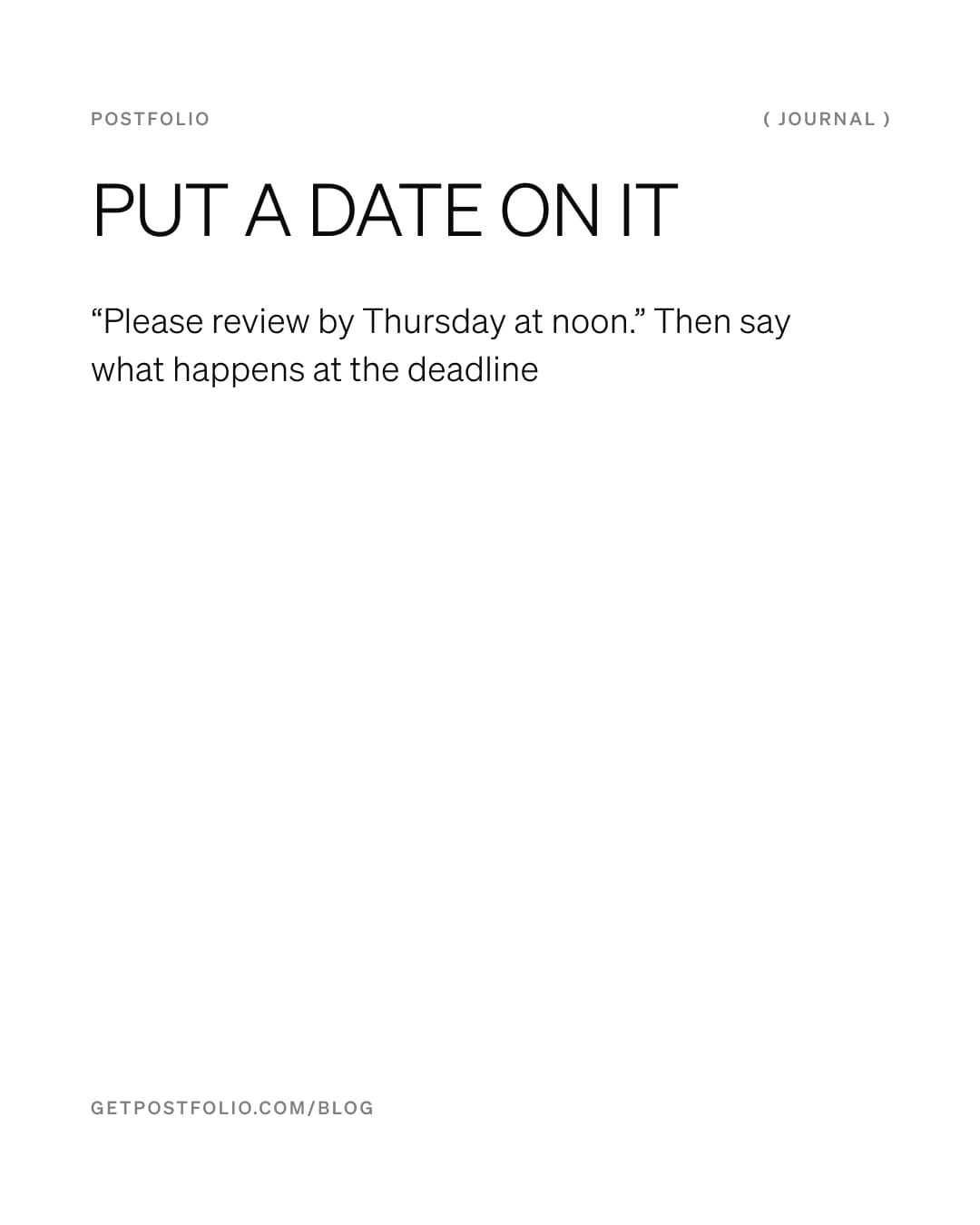
- Name the window: "Please review by Thursday at noon."
- Name the default: "Posts with no response by then publish as scheduled." Or, for cautious clients, "will move to next week's slot."
- Put both in the first approval agreement, in writing, so the deadline is not a surprise the first time it bites.
Some clients will not accept auto-publish, and that is fine. Then use the second default and make the cost visible: a missed window means the post slips a week. Most clients start answering on time once they see that.
Make feedback easy to give and easy to act on
Clients stall when giving feedback is hard. A reply-all thread with screenshots and "can we make the second one pop more" costs everyone time.
Give them one place to look and one place to comment. They should see the post the way it will appear, with the caption, the image and the date. Ask for a yes, or a specific change. I tell clients: "If you are unsure, tell me what you are unsure about, and I will fix that one thing."
This is where Postfolio's client portals earn their place in my setup. Clients open a link, see their posts, approve or comment, and I see the response next to the post it belongs to. No attachments, no lost threads.
Build a buffer so one late approval does not break the week
Even with a good process, someone will be on a plane or sick. Protect yourself by keeping approved content ahead of the publish date.
A simple target: have at least five to seven days of approved posts sitting in the calendar at any time. That is a rule of thumb, not a law, and you should adjust it to how often you post. The point is that a late reply costs you a shuffle, not a gap.
Keep two or three evergreen posts in reserve for each brand too. These are posts that are safe to run any week and that the client has already approved. When something stalls, you slot one in and nobody notices.
Track who is slow, then talk about it once
After a month, look at the pattern. Is it one client who always answers on Friday evening? One approver who needs a reminder every time? Pending approvals across all your brands are easy to scan when they live in one calendar, and that is how I spot a problem early instead of on publish day.
If a client is consistently late, have one direct conversation. Show them the dates. Offer a fix: a shorter batch, a different review day, or a new approver. Most delays are a scheduling mismatch, not a lack of interest.
A short checklist to start this week
- Get a named approver and a backup from every client.
- Pick one review day and send batches on it.
- Add a deadline and a default outcome to every request.
- Move feedback to one place with the post in view.
- Keep five to seven days of approved posts in the calendar.
- Review slow approvals monthly and fix the cause.
Start with the first item. It takes one email per client, and it changes who is holding your calendar.